
Use your own web address, like yourbusiness.com, instead of the default address.
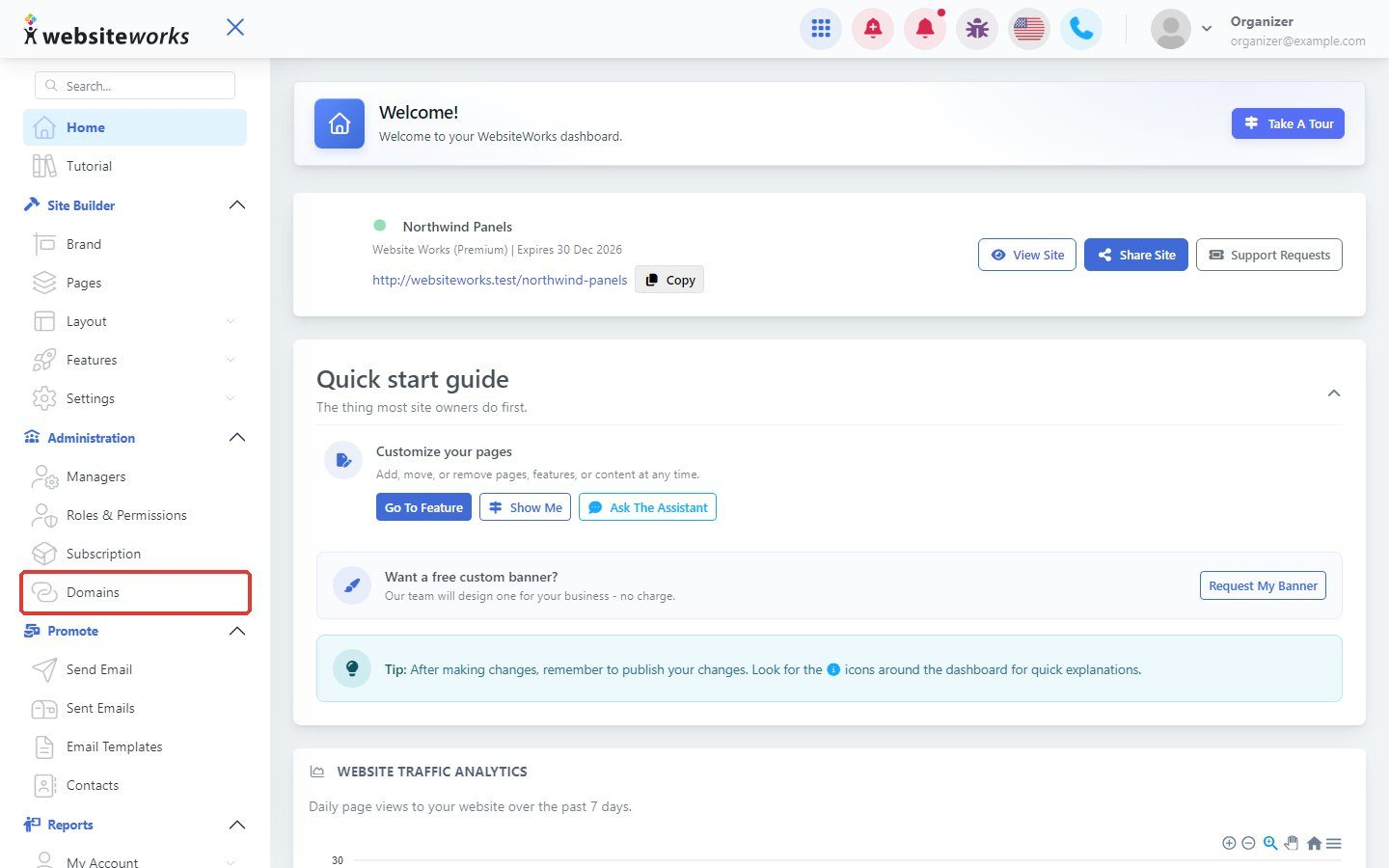
Step 1: Open Domains
In the menu, under Administration, click Domains.
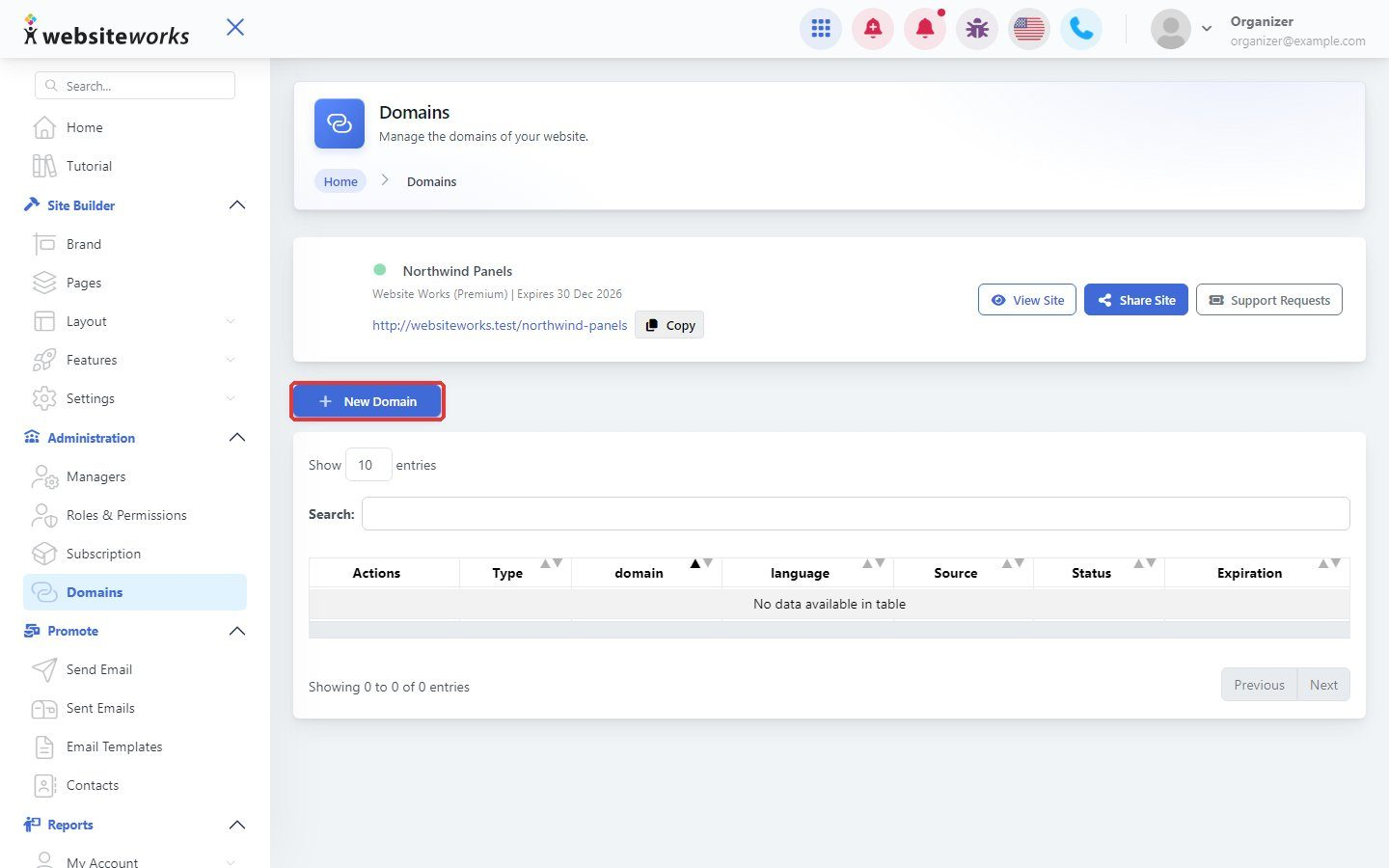
Step 2: Click New Domain
Click New Domain. The Add domain window opens.
Step 3: Change your domain's name servers
Under Using an existing domain that you already own, follow the steps. Log in where you bought your domain and change its name servers (DNS) to:
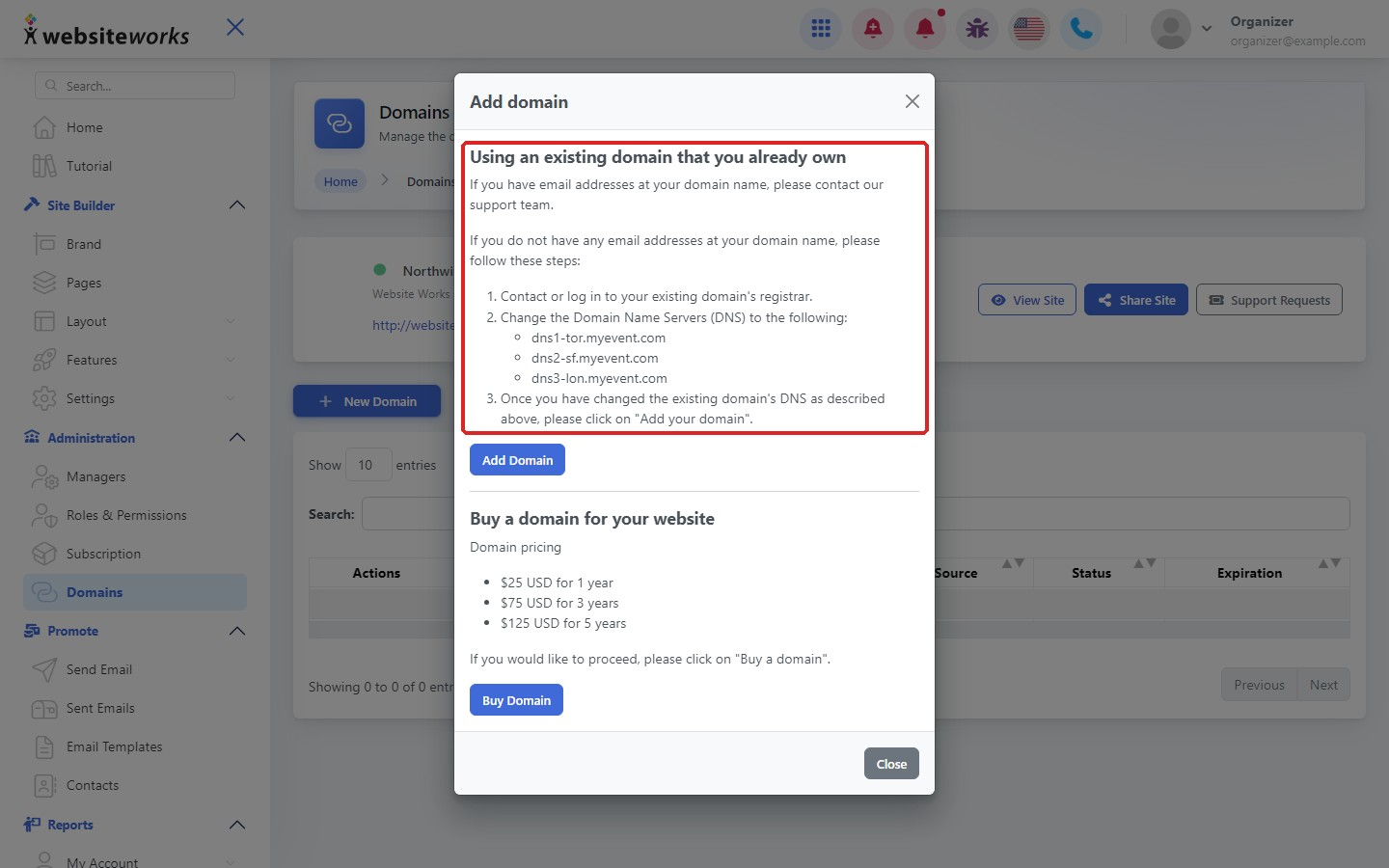
- dns1-tor.myevent.com
- dns2-sf.myevent.com
- dns3-lon.myevent.com
If you have email addresses on your domain, contact our support team first so your email keeps working.
Step 4: Click Add Domain
After changing the name servers, click Add Domain and enter your domain. Name server changes can take up to 48 hours to work.
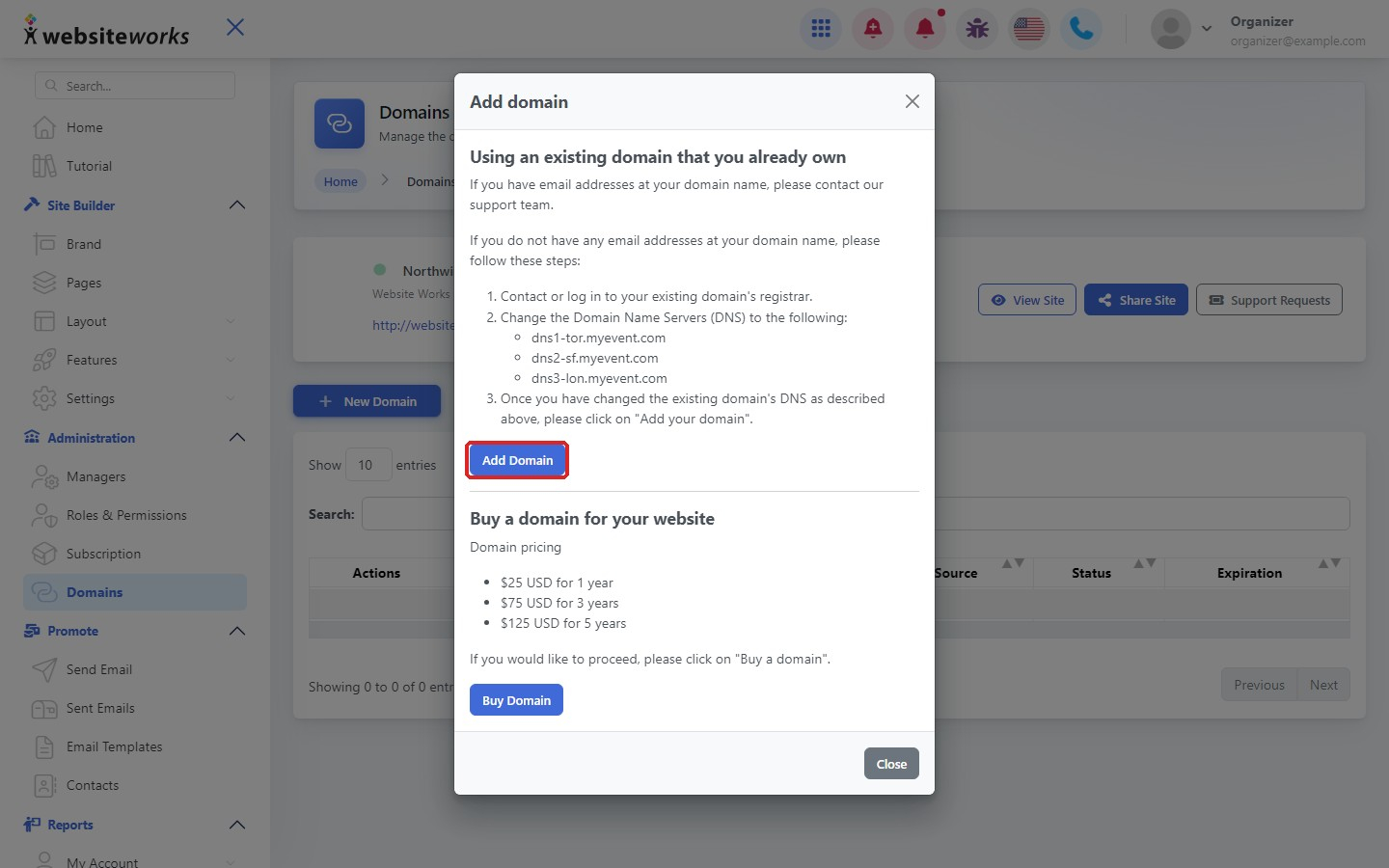
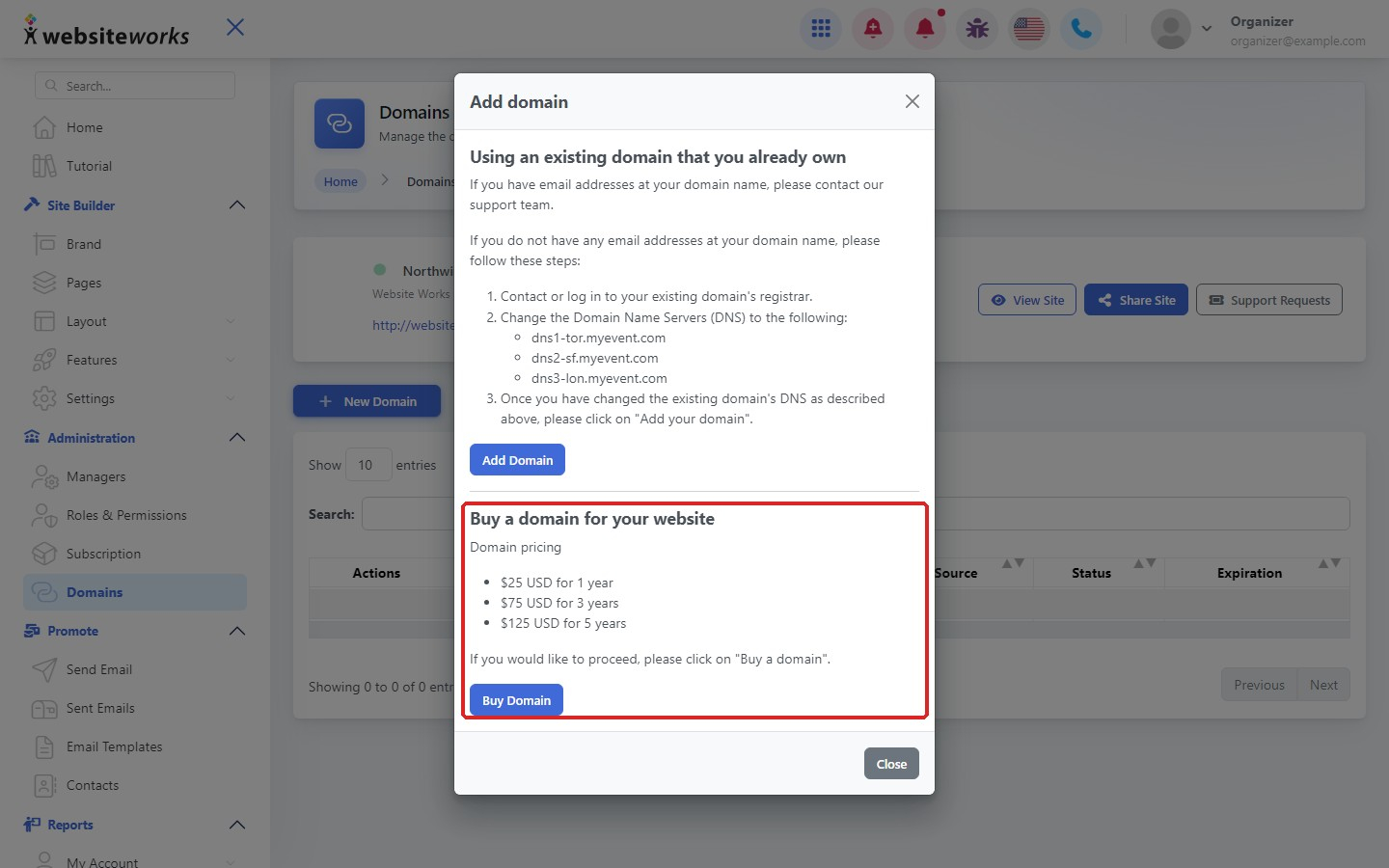
Step 5: Or buy a new domain
Don't have a domain yet? Under Buy a domain, click Buy Domain. A domain costs $25 USD for 1 year, $75 USD for 3 years or $125 USD for 5 years.