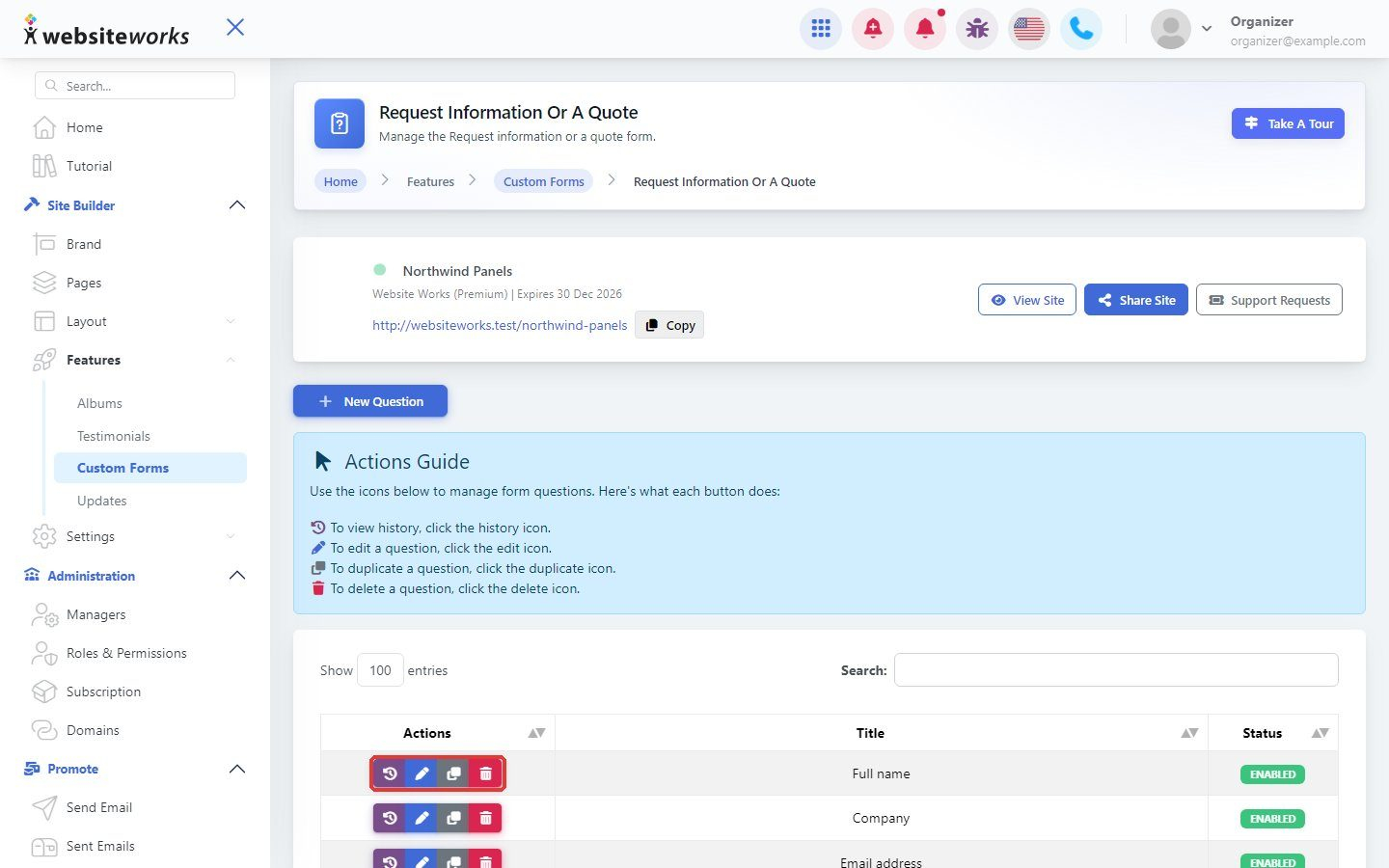

Questions are the fields visitors fill in on your form.
Step 1: Open your form's questions
Go to Features → Custom Forms and open the questions of your form. You see the list of questions.
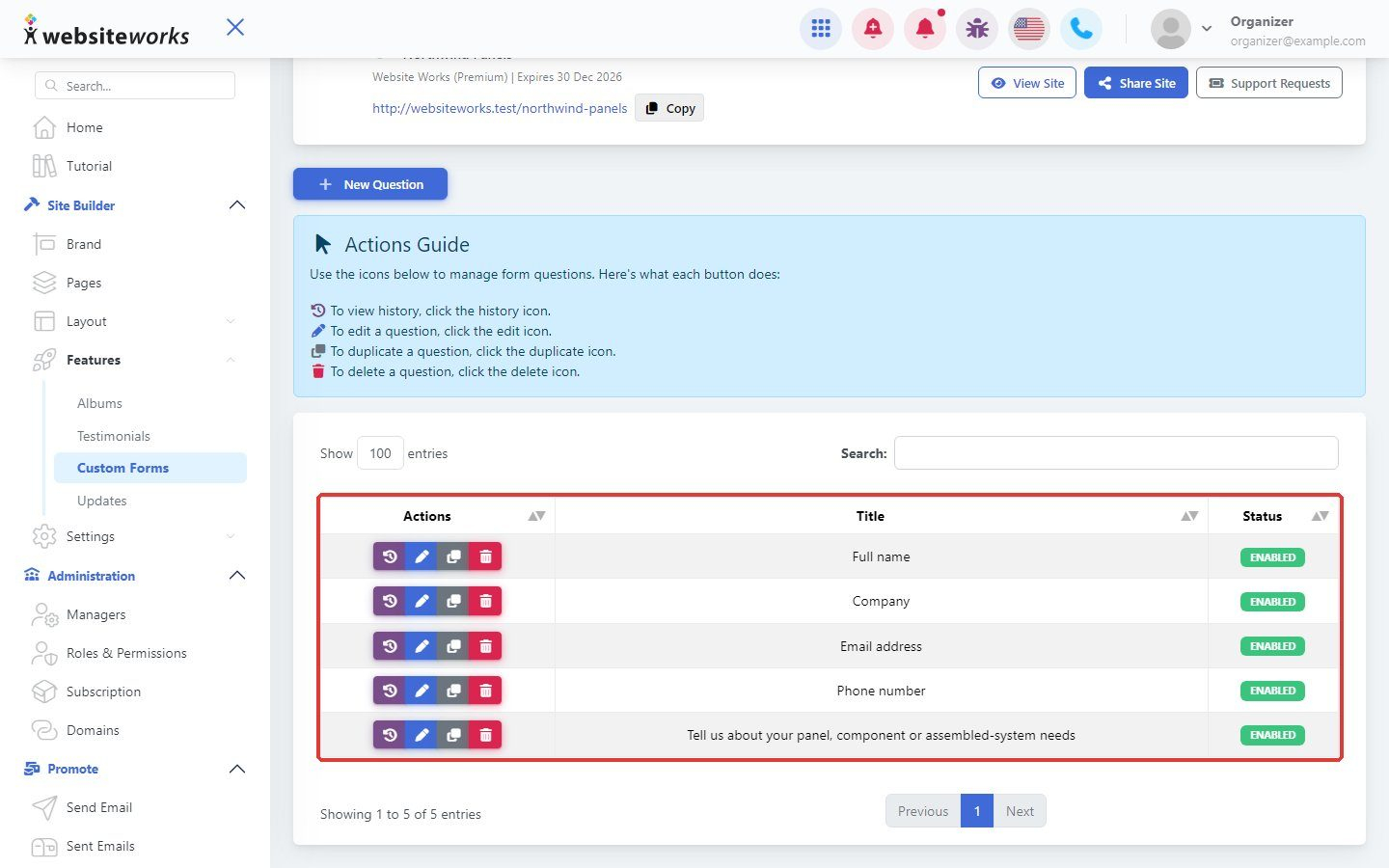
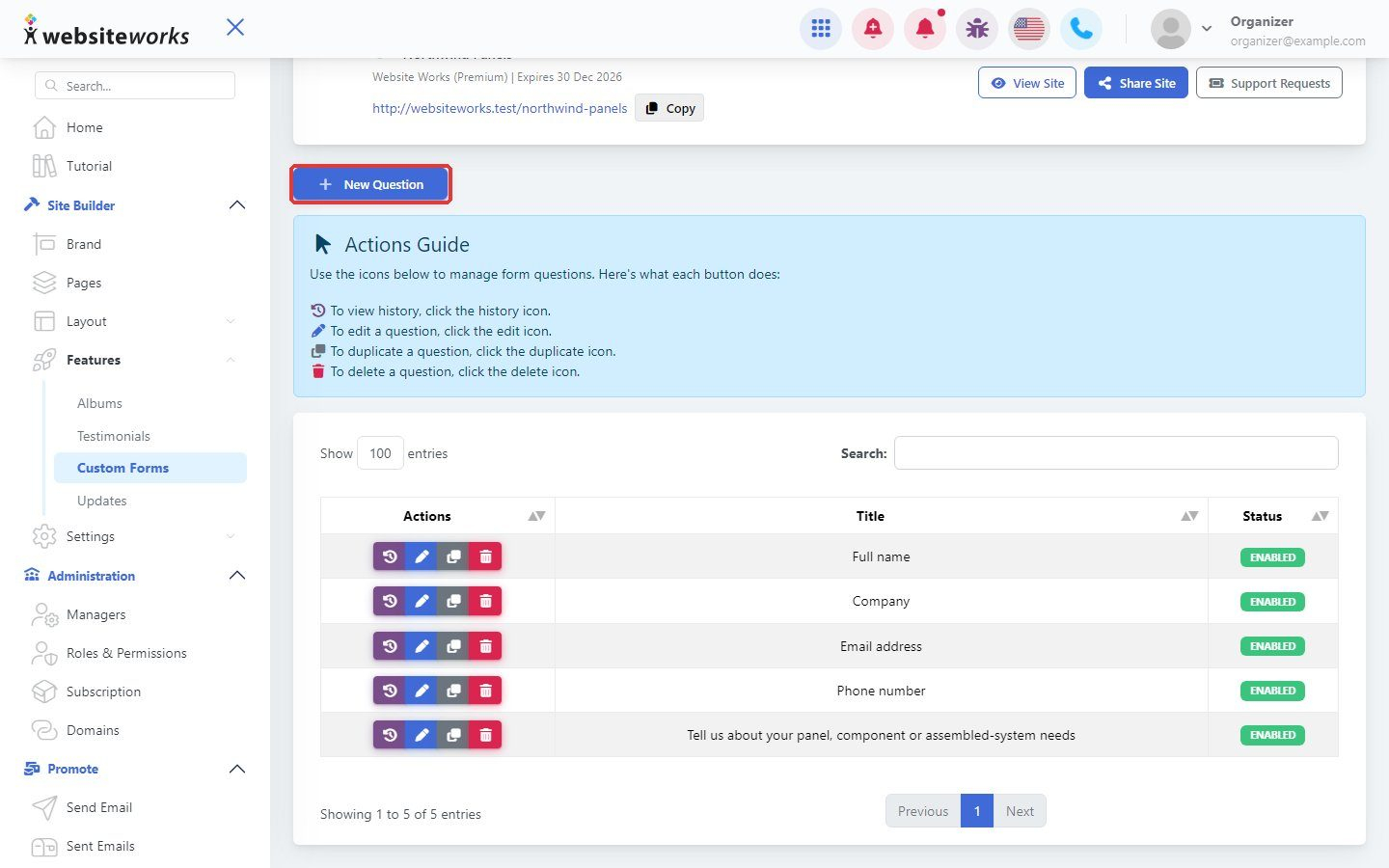
Step 2: Click New Question
Click New Question.
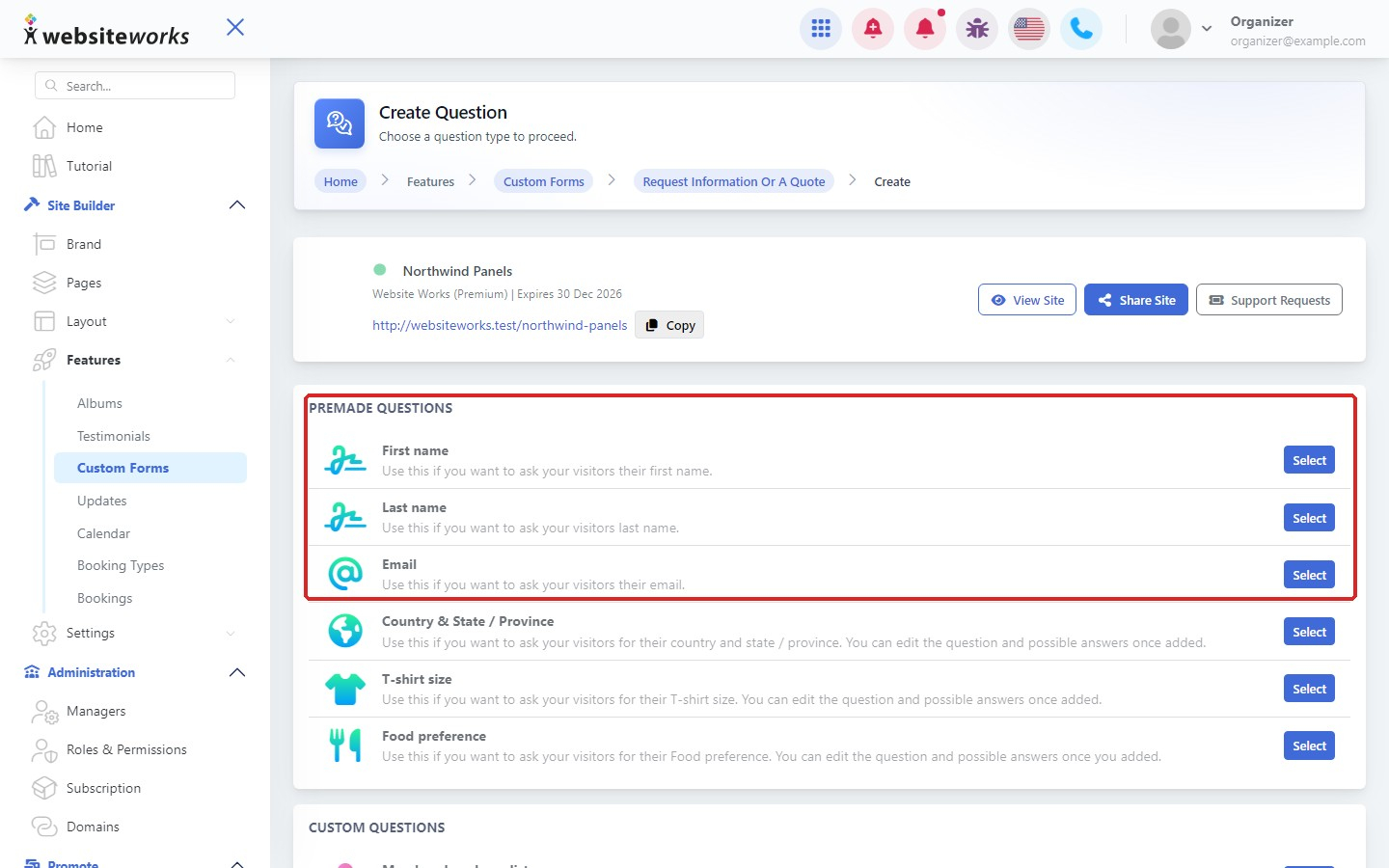
Step 3: Use a premade question
Under Premade questions, pick a ready-made field such as First name, Last name, Email or Country.
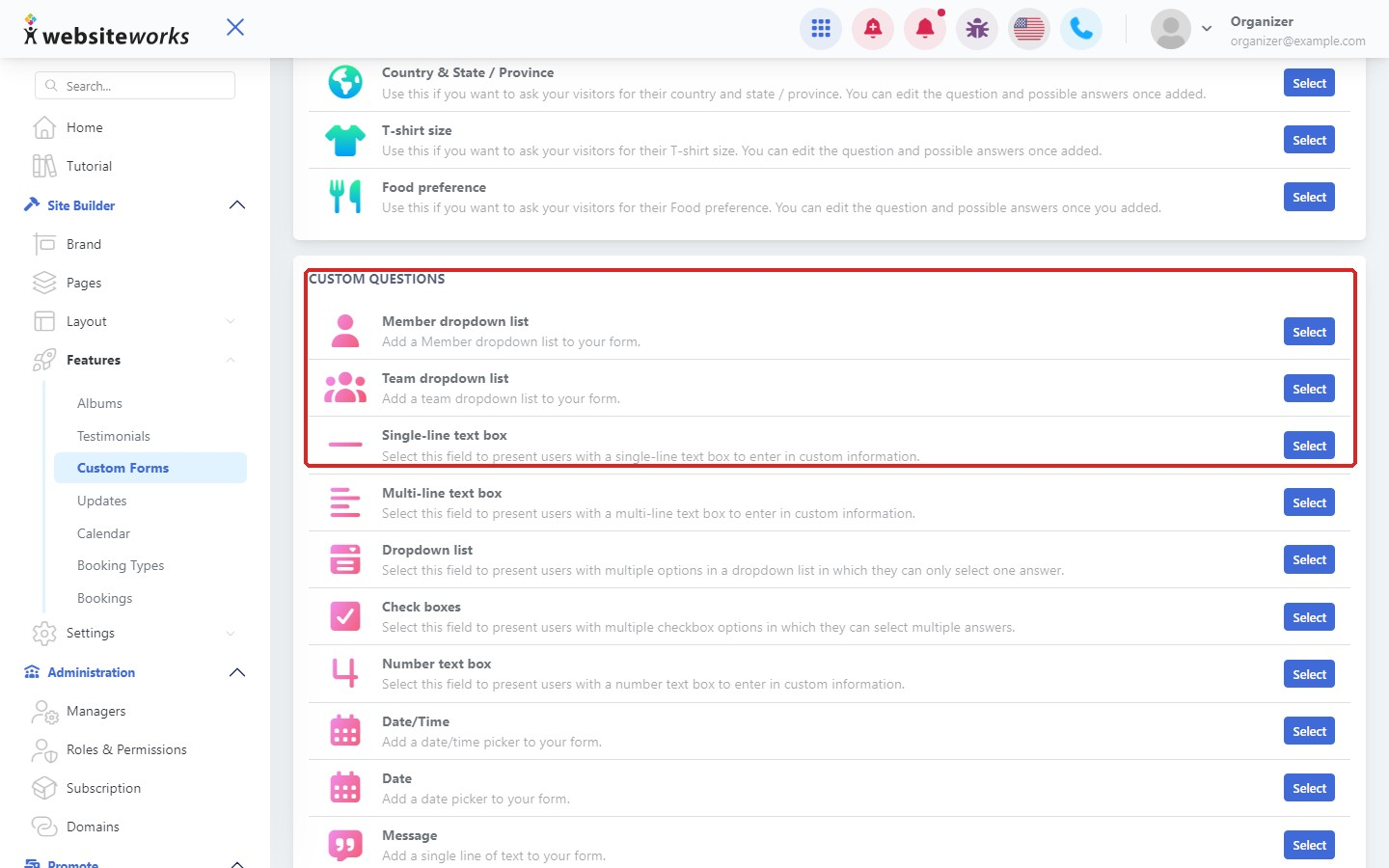
Step 4: Or create a custom question
Under Custom questions, choose a type: Member dropdown list, Team dropdown list, Single-line, Multi-line, Dropdown, Check boxes, Number, Date/Time, Date, Message, Range, Url or Divider. Enter the question and save it.
Step 5: Edit or remove questions
Next to each question, use the buttons to see its History, Edit it, Duplicate it or Delete it.