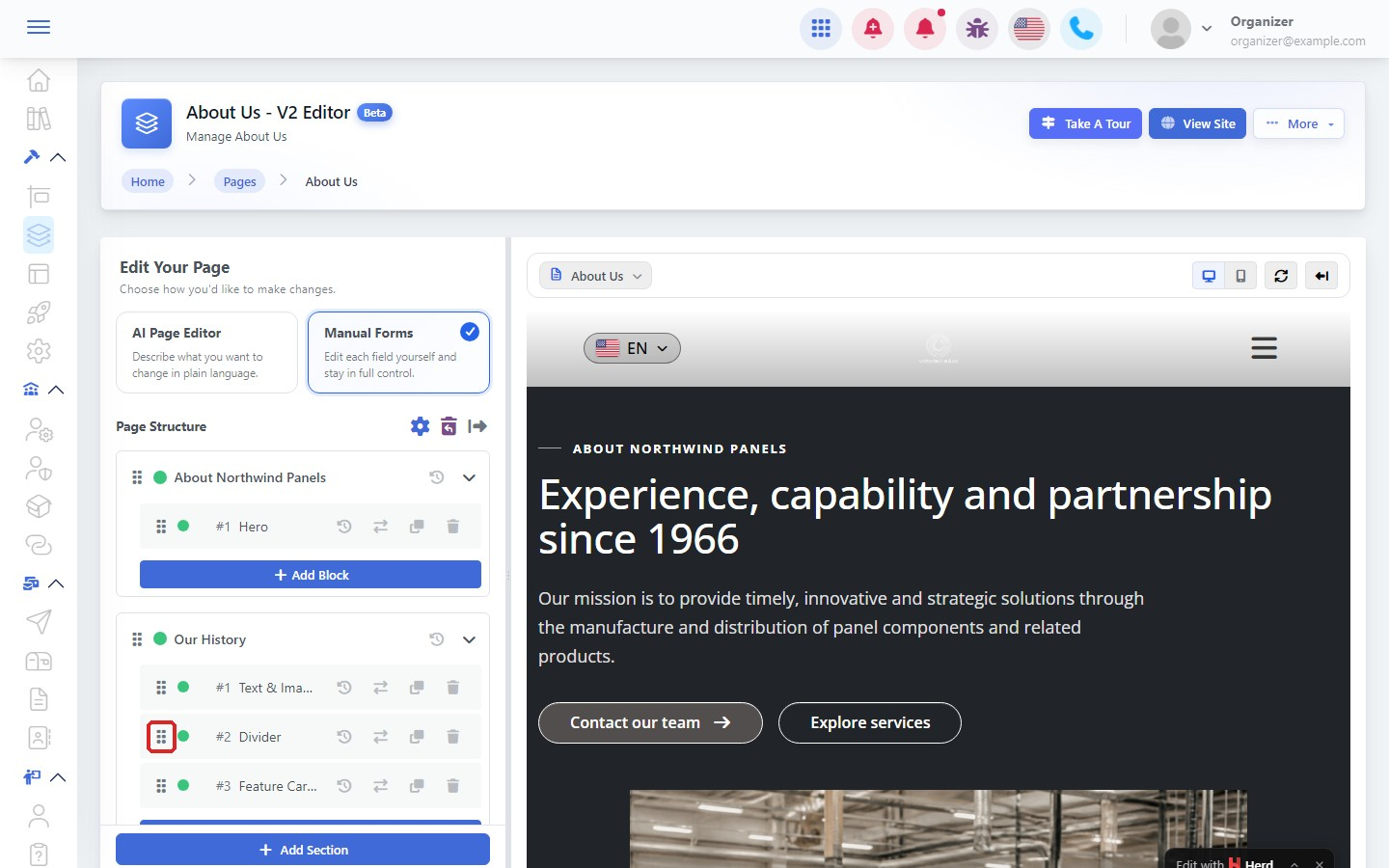

Once a page has blocks, you can change them, move them around, copy them or remove them.
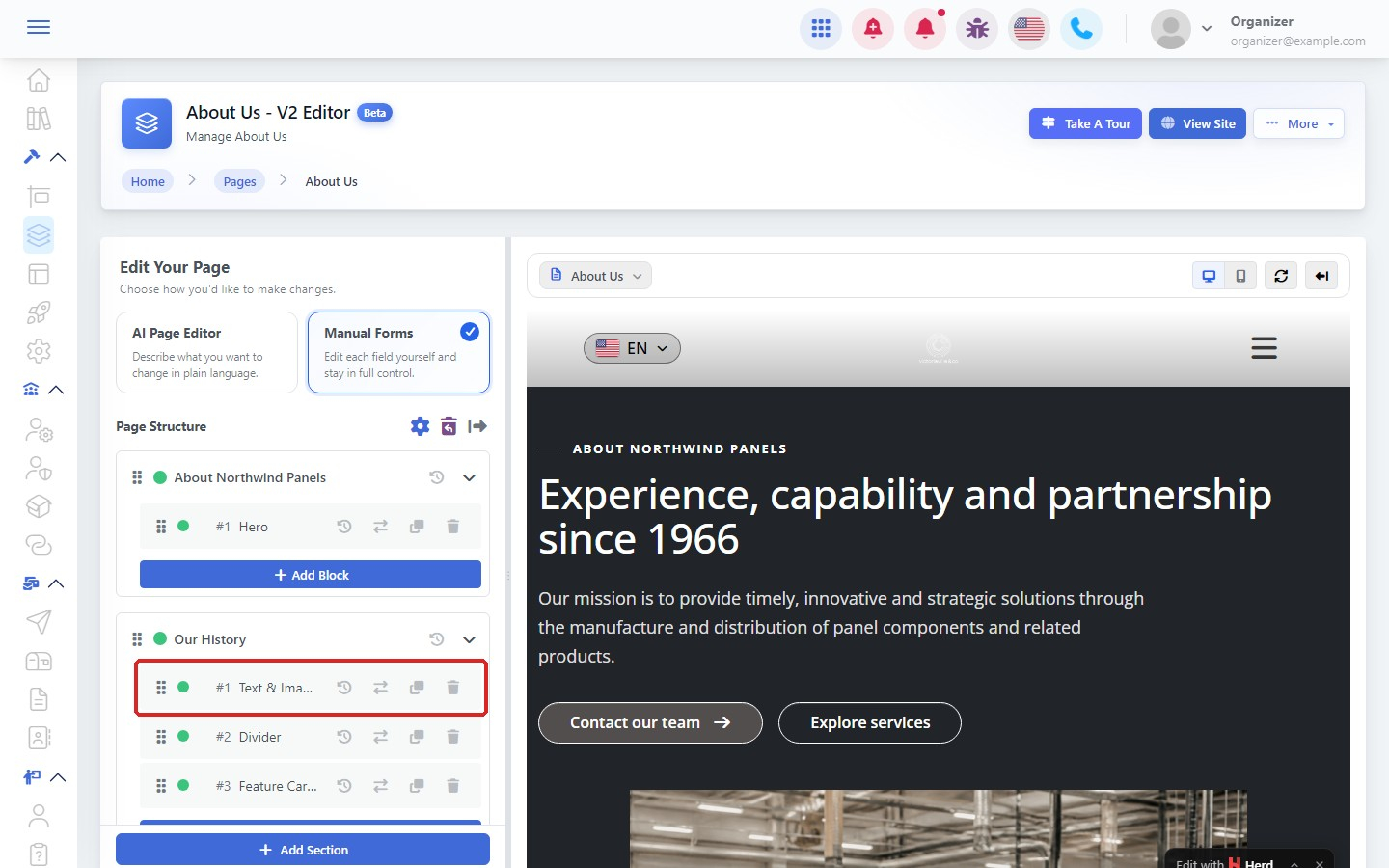
Step 1: Select a block
Open the page with New Editor and choose Manual Forms. In Page Structure, click the block you want to change.
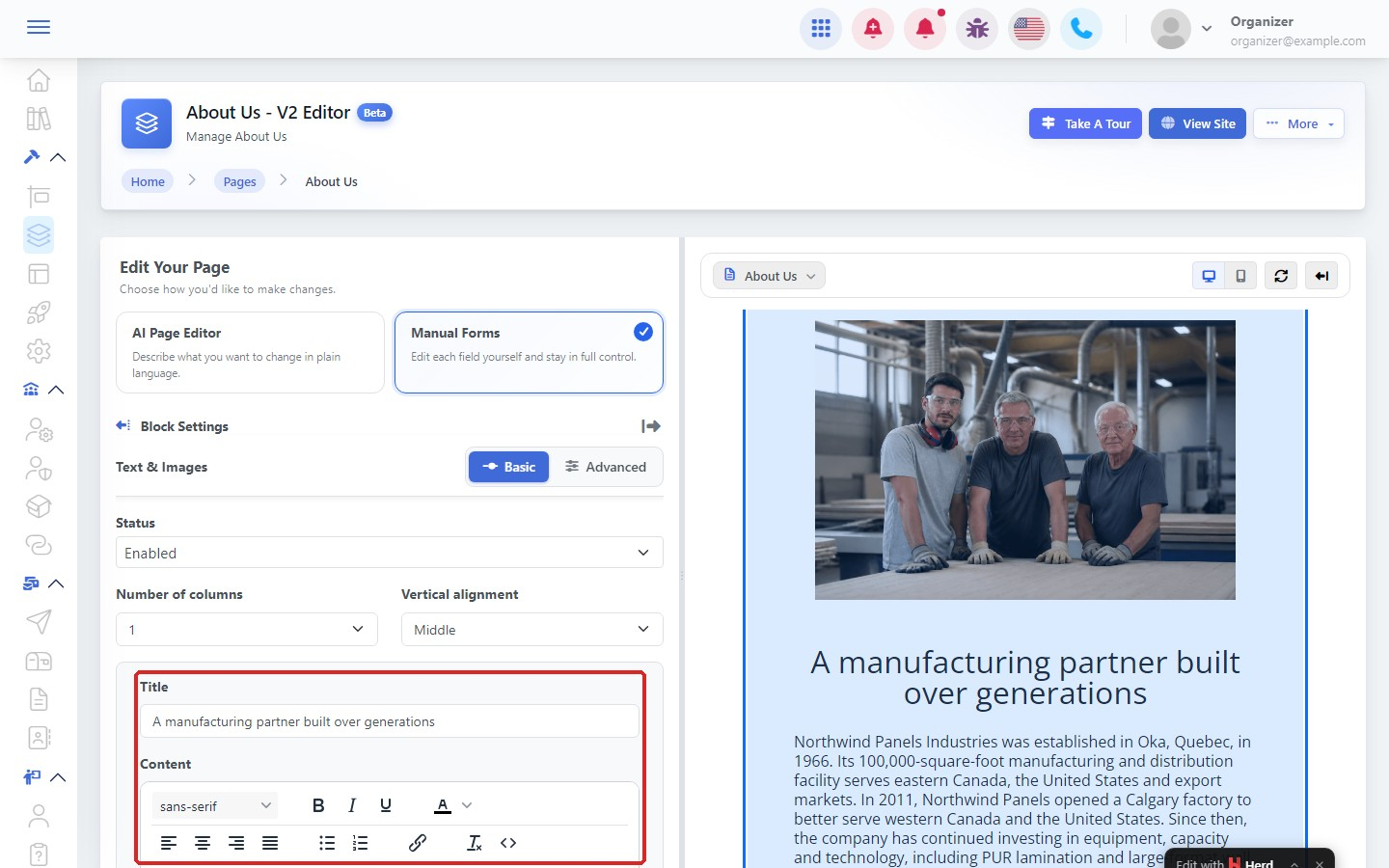
Step 2: Edit its content
Change the fields in Block Settings. The preview updates as you type.
Step 3: Copy, delete or go back
At the bottom of Block Settings:
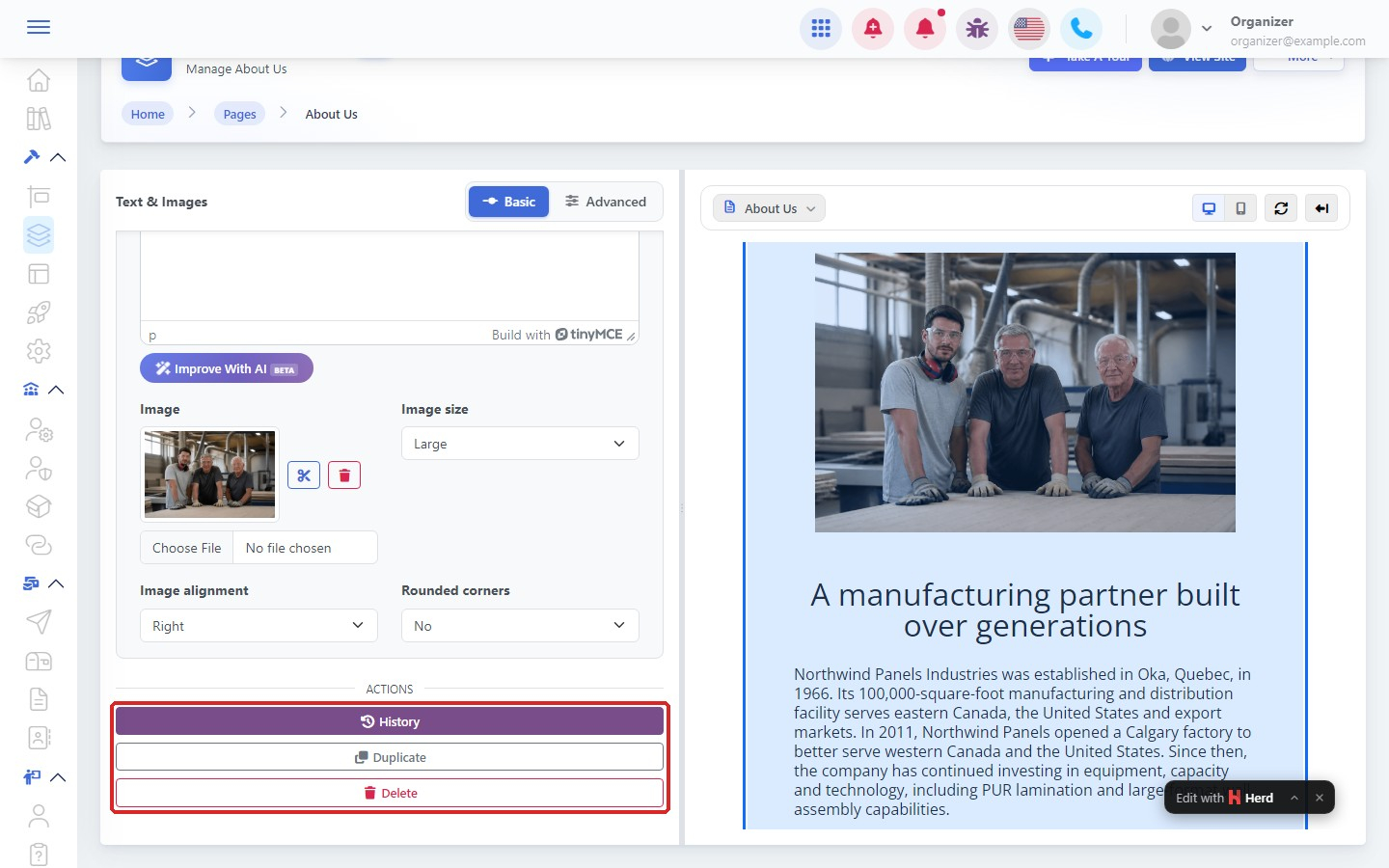
- History: see earlier versions of the block and go back to one.
- Duplicate: add a copy of the block.
- Delete: remove the block.
Step 4: Move a block
In Page Structure, drag the block by its handle to a new place. Then click Publish Changes.