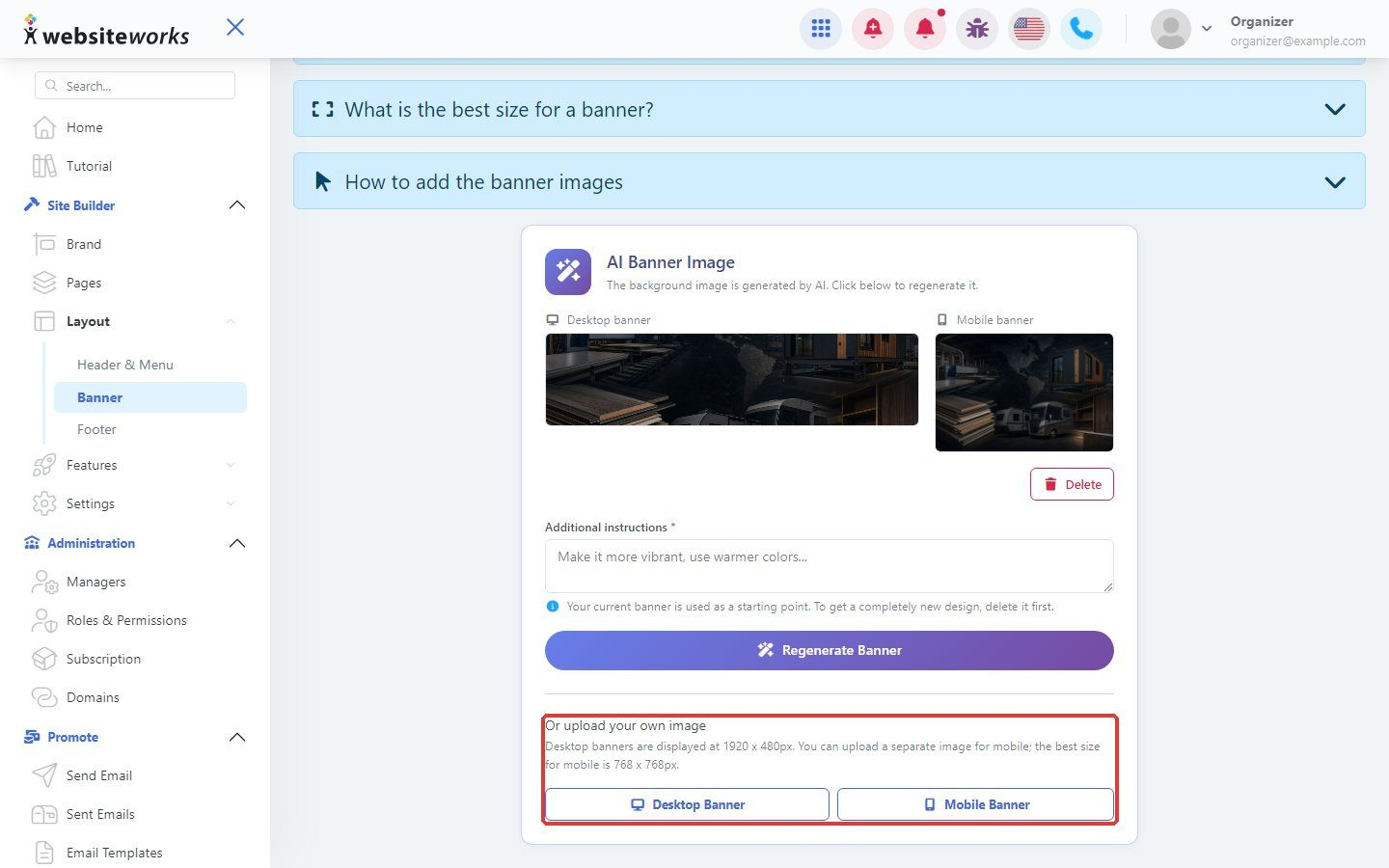

The banner is the large image at the top of your pages. You can create one with AI or upload your own.
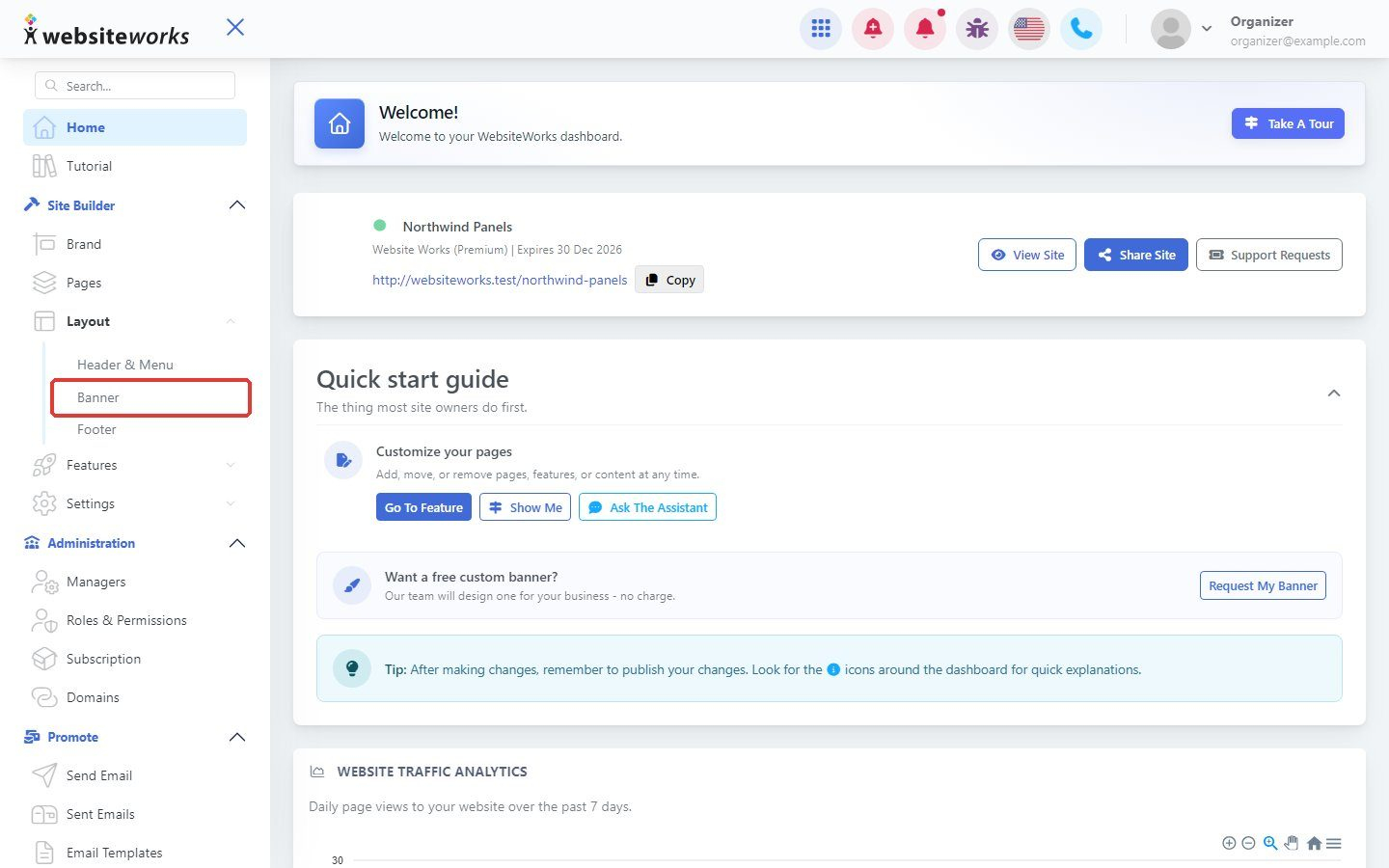
Step 1: Open Banner
In the menu, under Layout, click Banner.
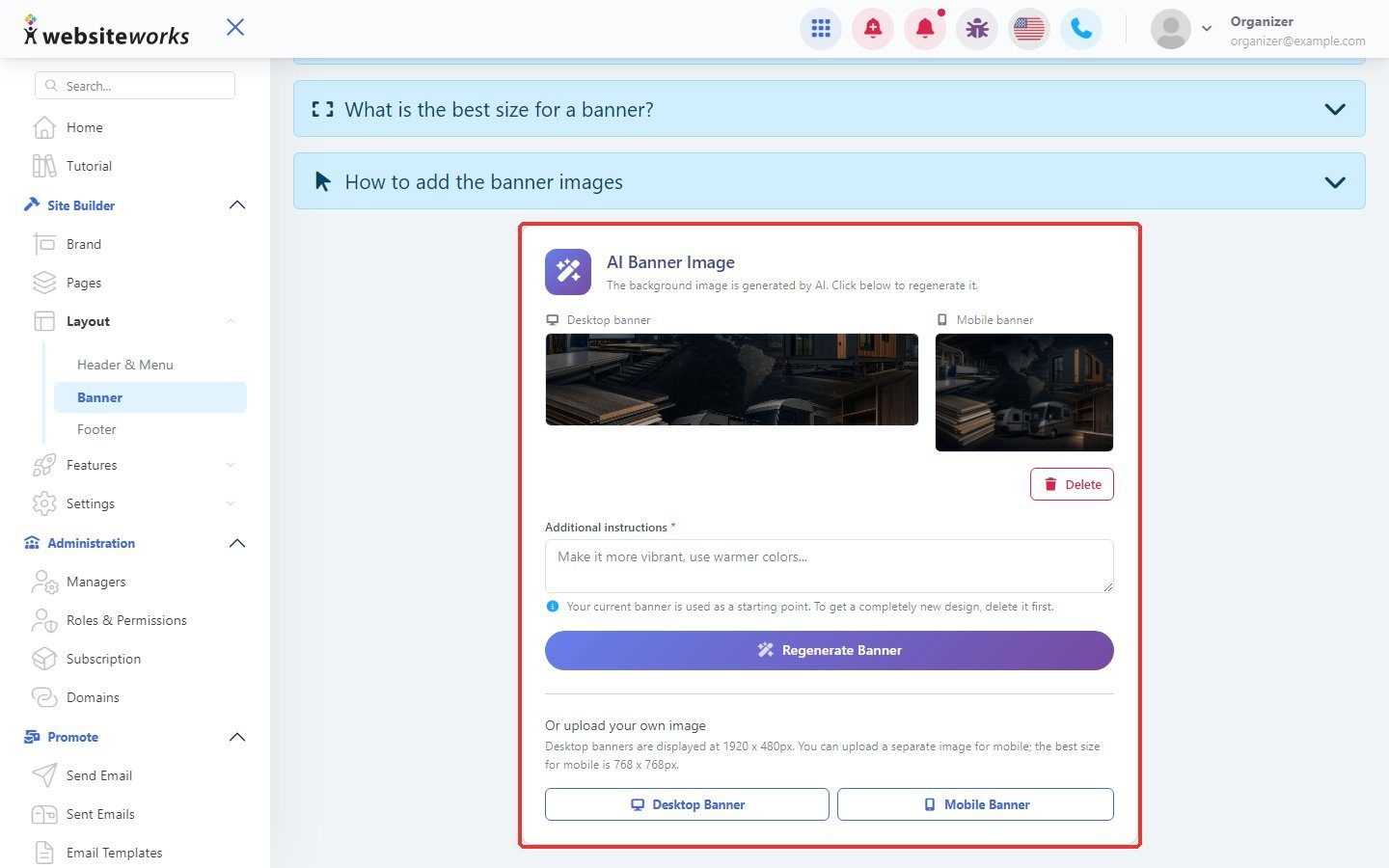
Step 2: Look at your AI banner
Under AI Banner Image you see the Desktop and Mobile versions. Click Delete to remove one.
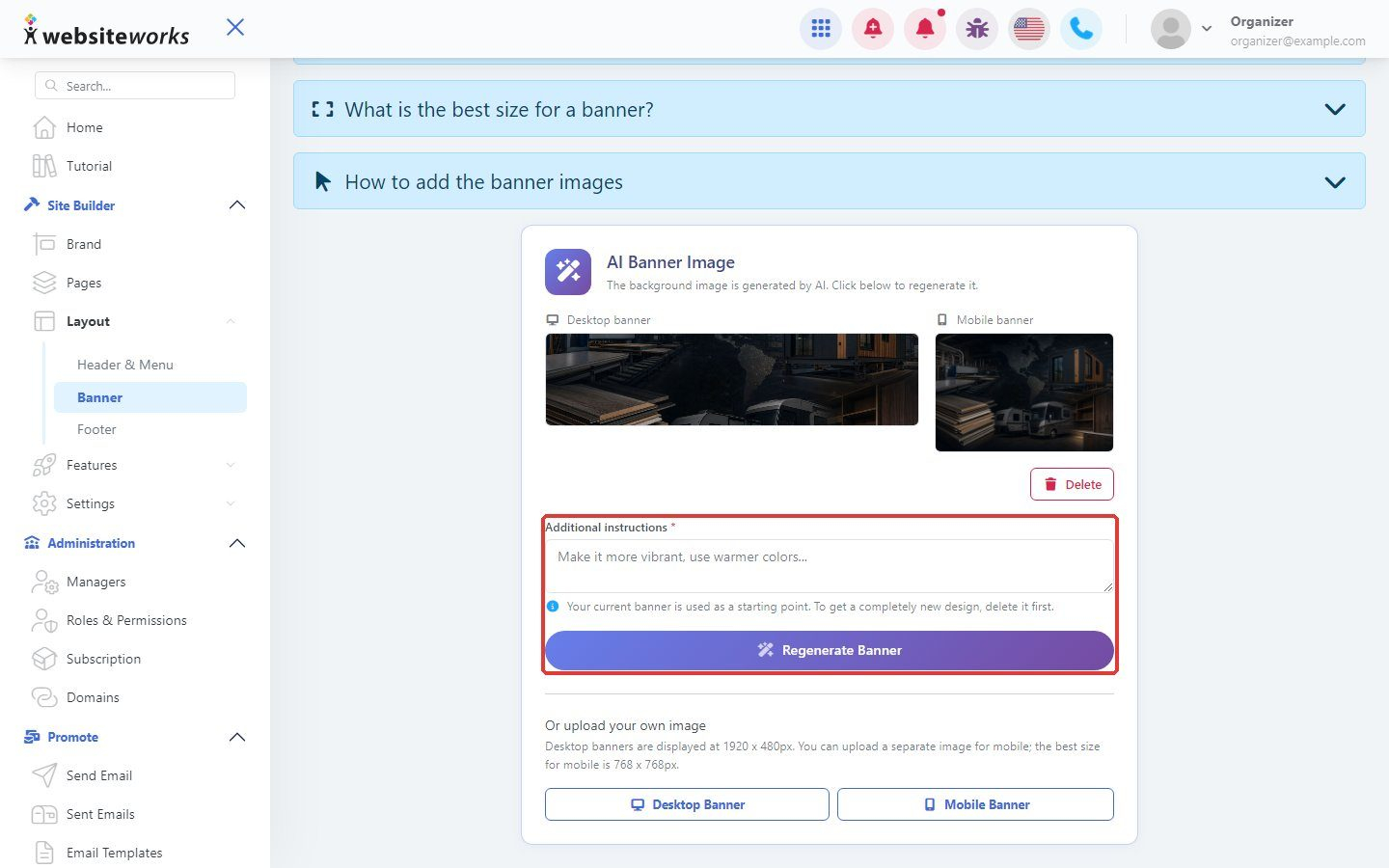
Step 3: Make a new one with AI
Type what you want in Additional instructions, for example the colors or subject, and click Regenerate Banner.
Step 4: Or upload your own
Under Or upload your own image, upload a desktop image (1920 x 480 pixels) and a mobile image (768 x 768 pixels).