
A few settings help search engines like Google understand and show your website.
Step 1: Connect Google tools
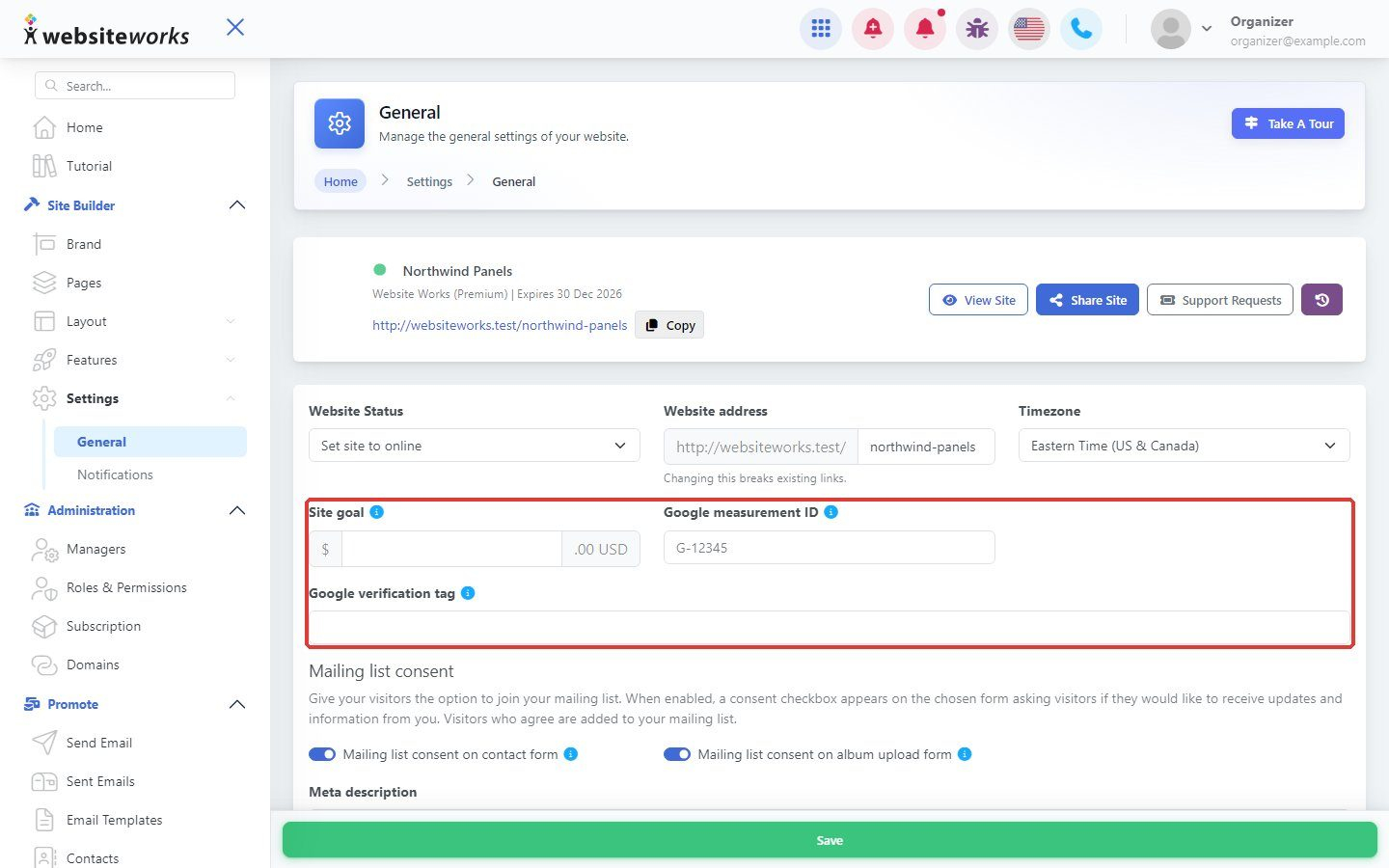
Go to Settings → General. Paste your Google measurement ID to use Google Analytics, and your Google verification tag to verify your website in Google Search Console.
Step 2: Describe your website
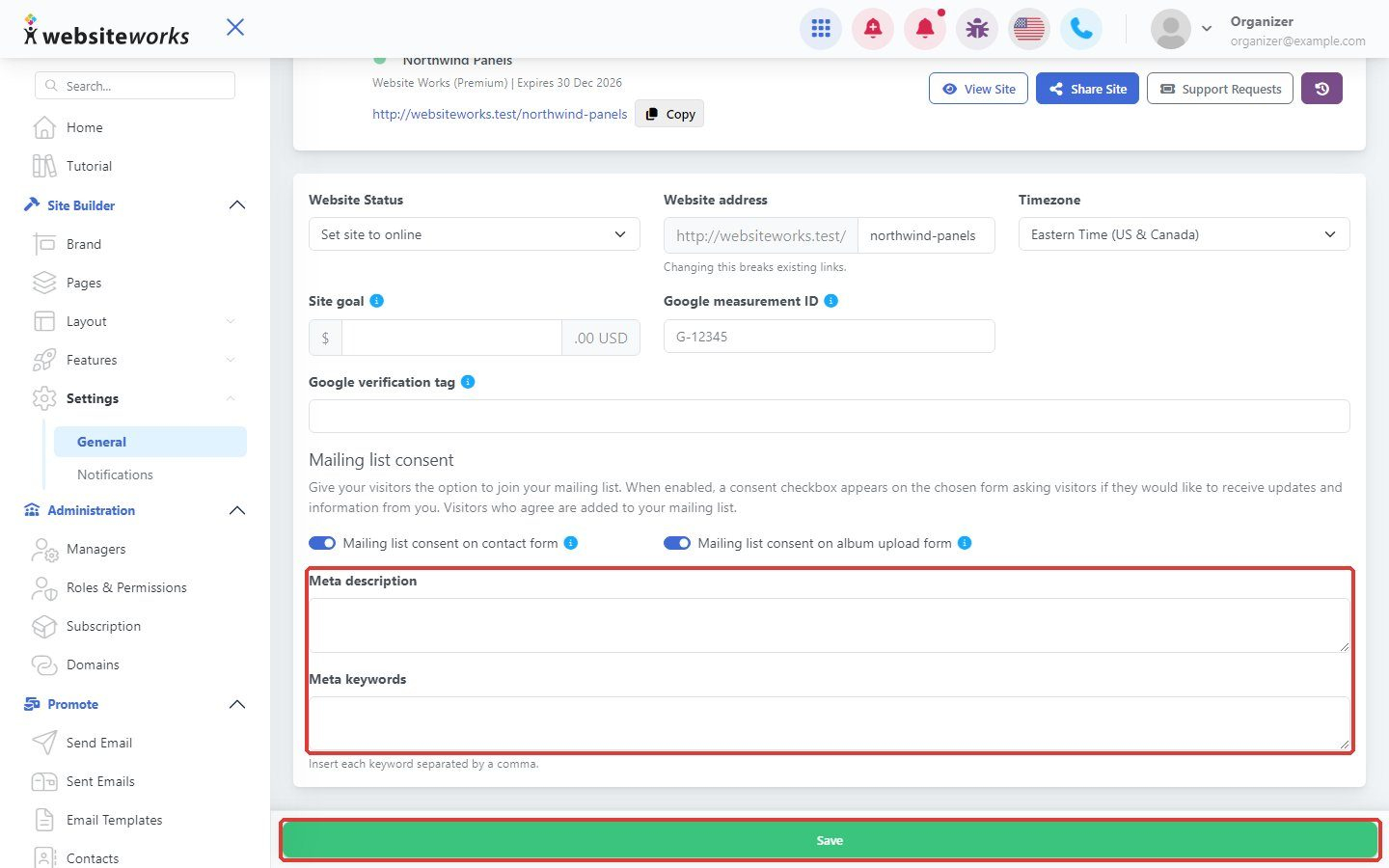
Fill in the Meta description (one or two sentences about your business) and Meta keywords. Click Save.
Step 3: Describe each page
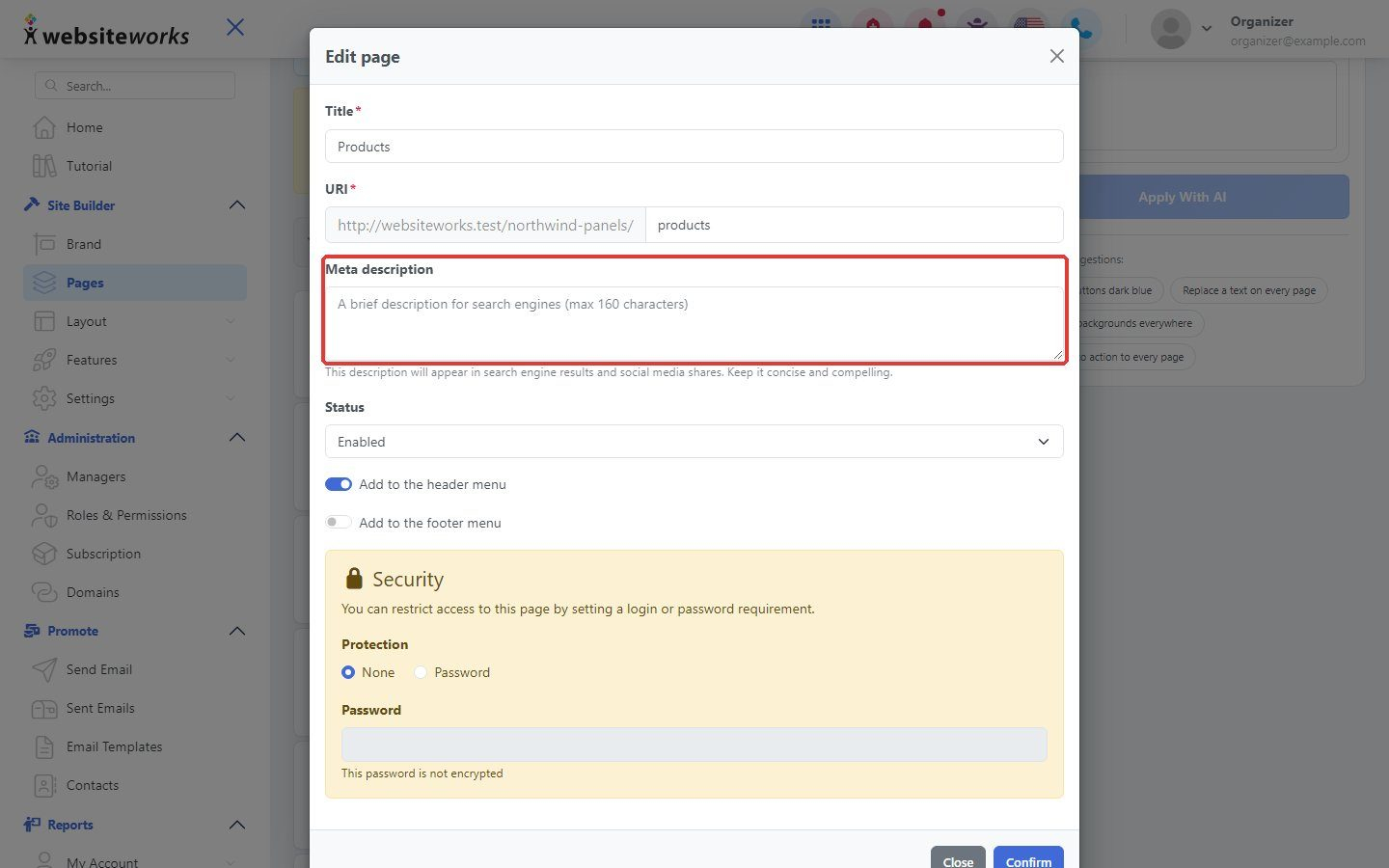
In Pages, open a page's settings and fill in its own Meta description.
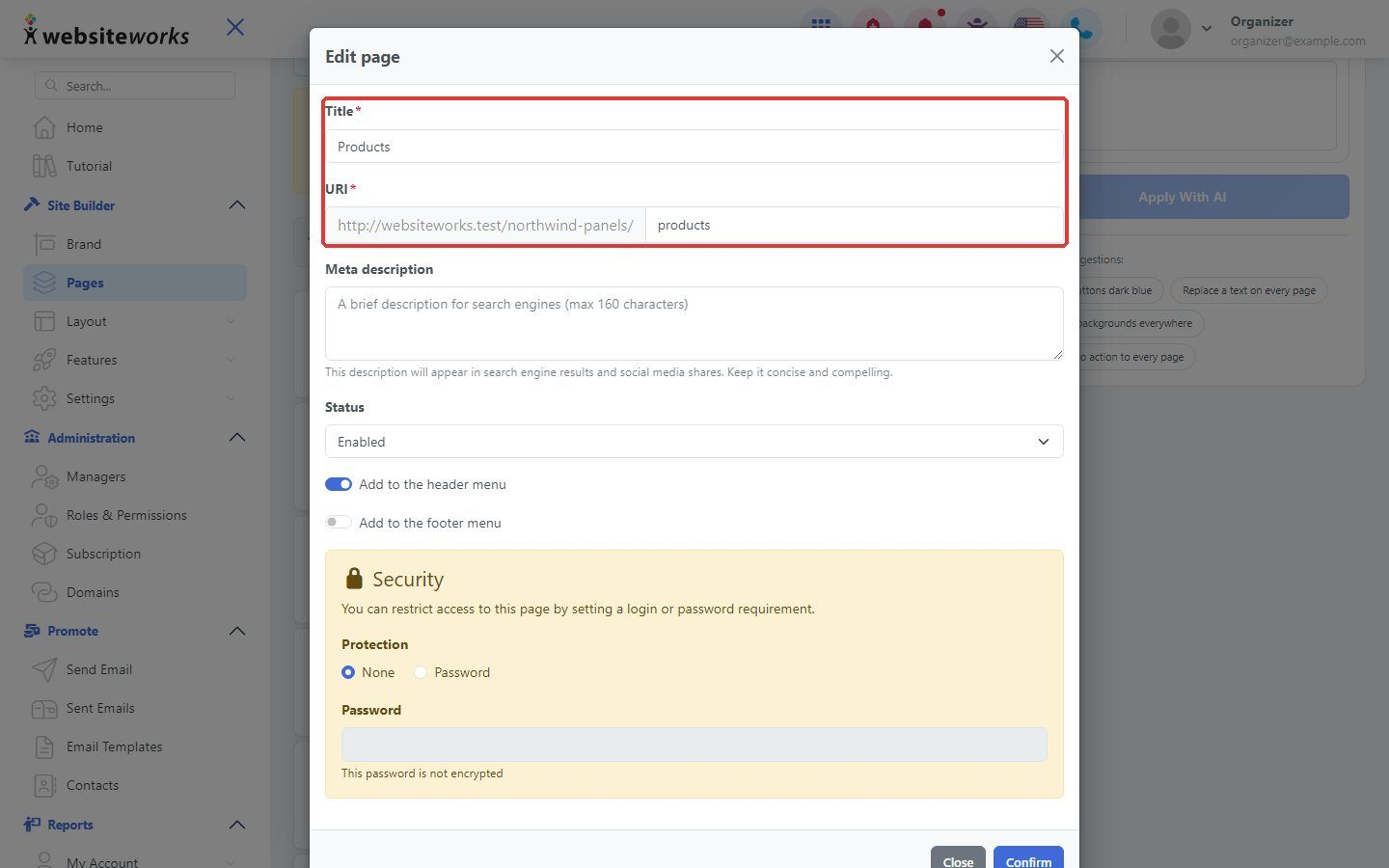
Step 4: Use clear page addresses
In the same window, give the page a clear Title and short URI, such as services. Click Confirm.