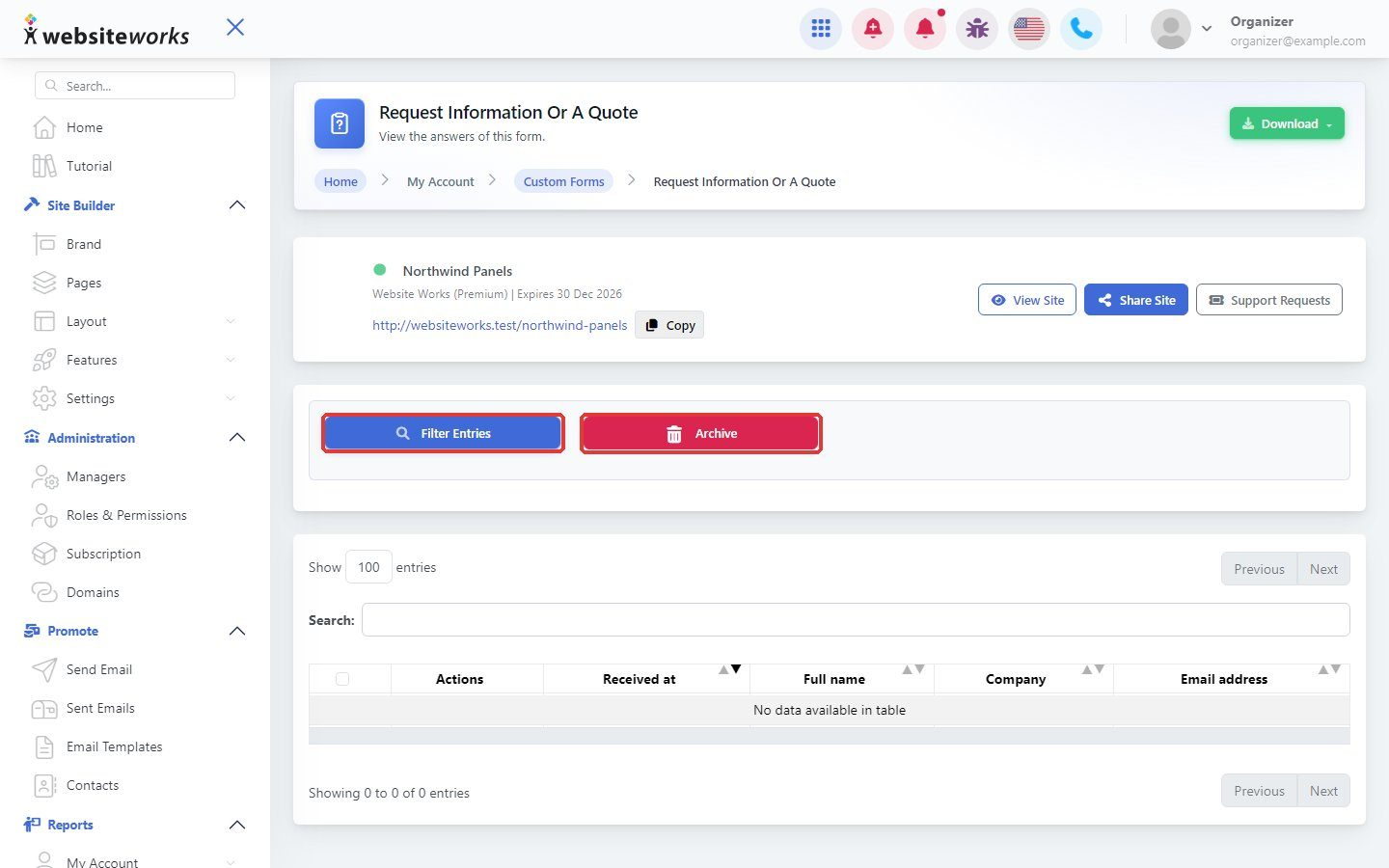

Every time someone fills in your form, the entry is saved in your reports.
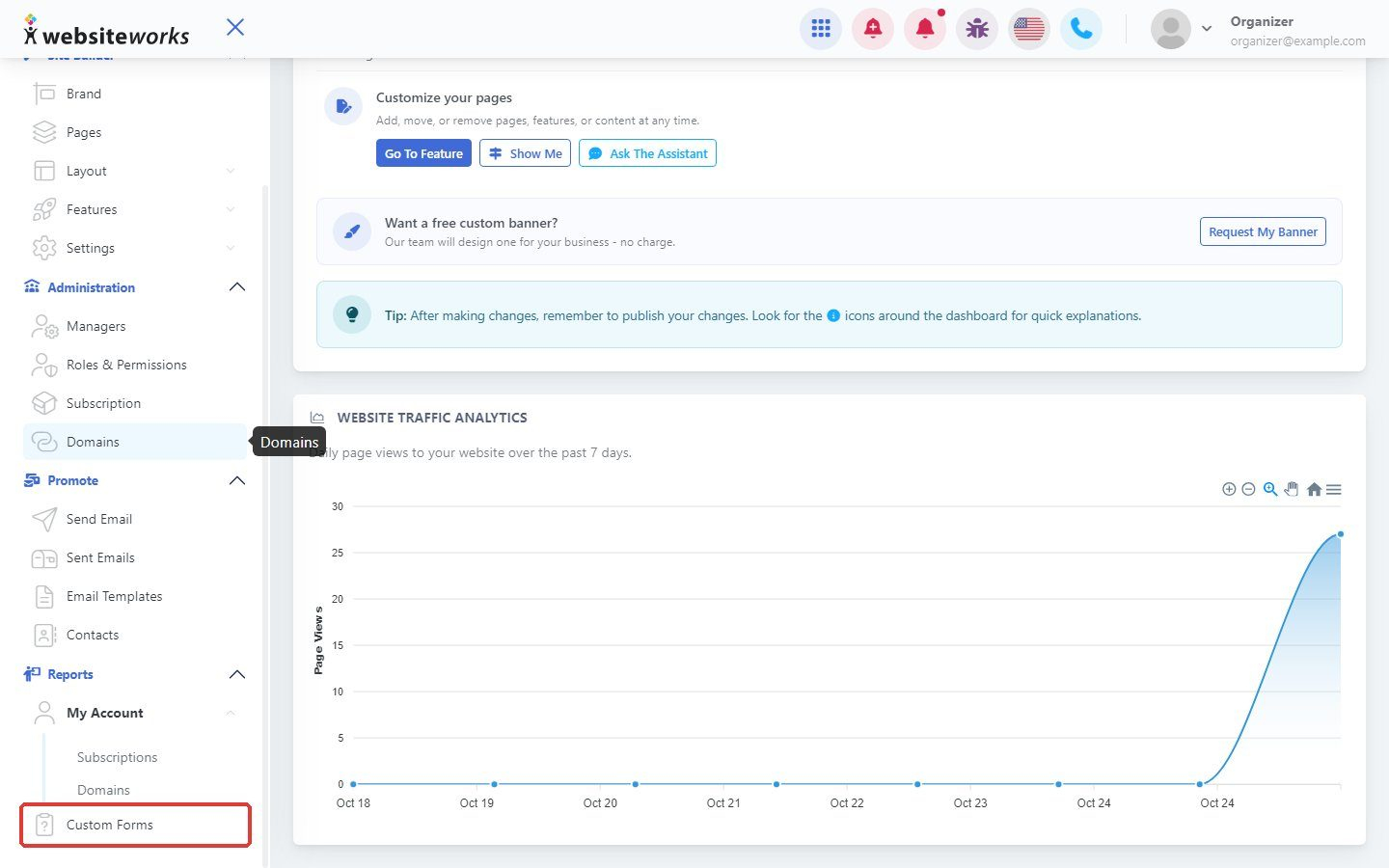
Step 1: Open the Custom Forms report
In the menu, under Reports, open the Custom Forms report.
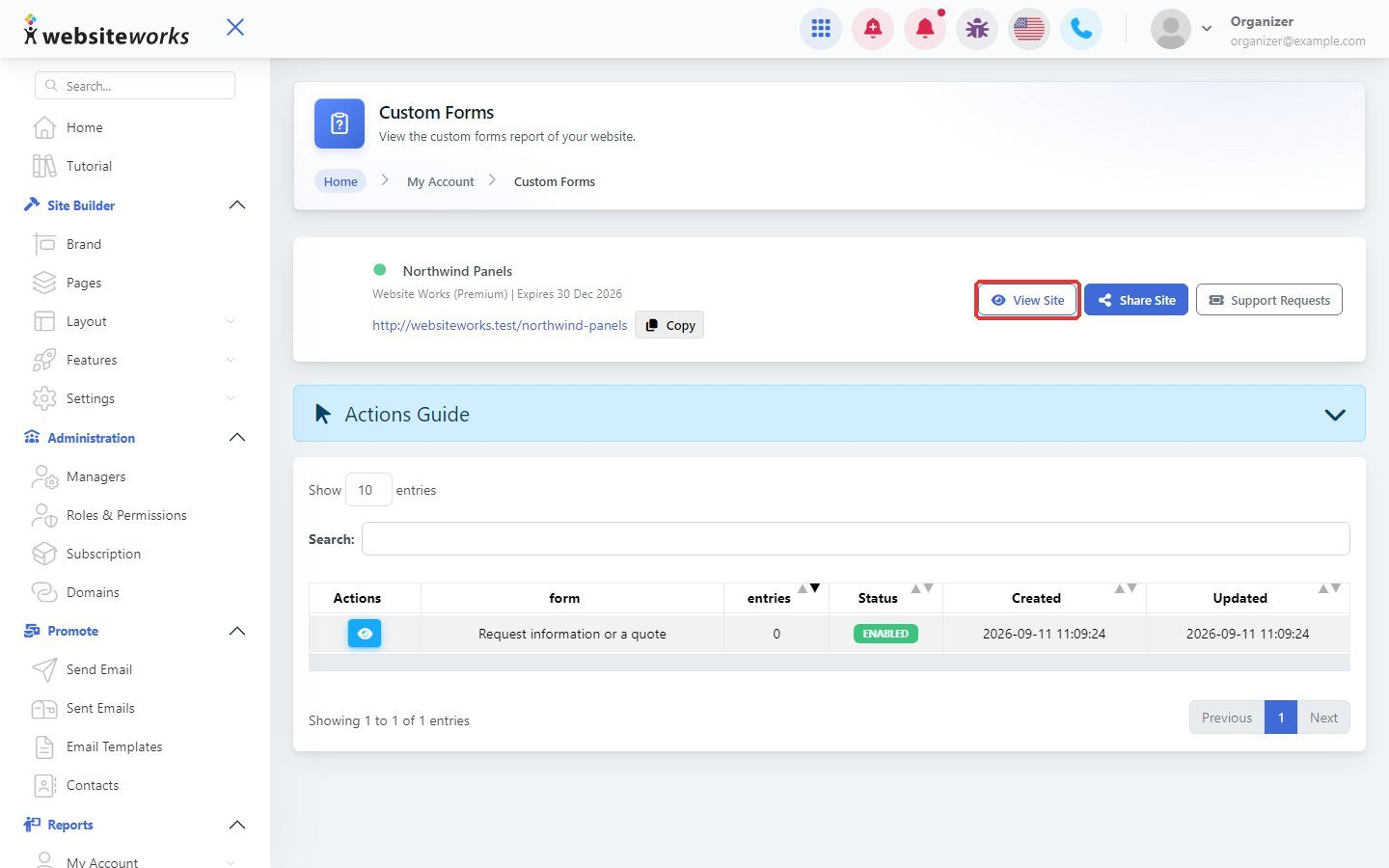
Step 2: Choose a form
Click View next to the form.
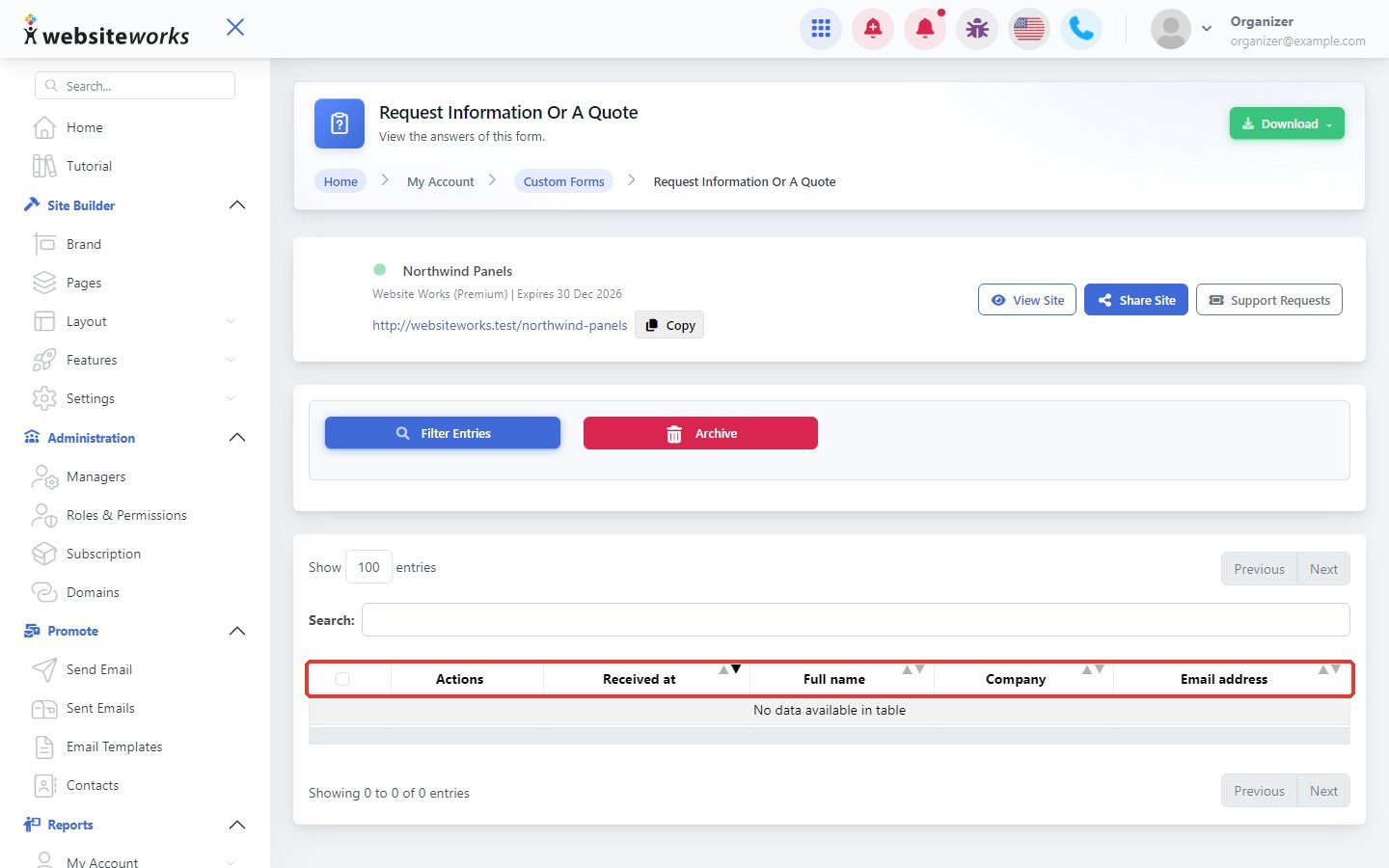
Step 3: Read the entries
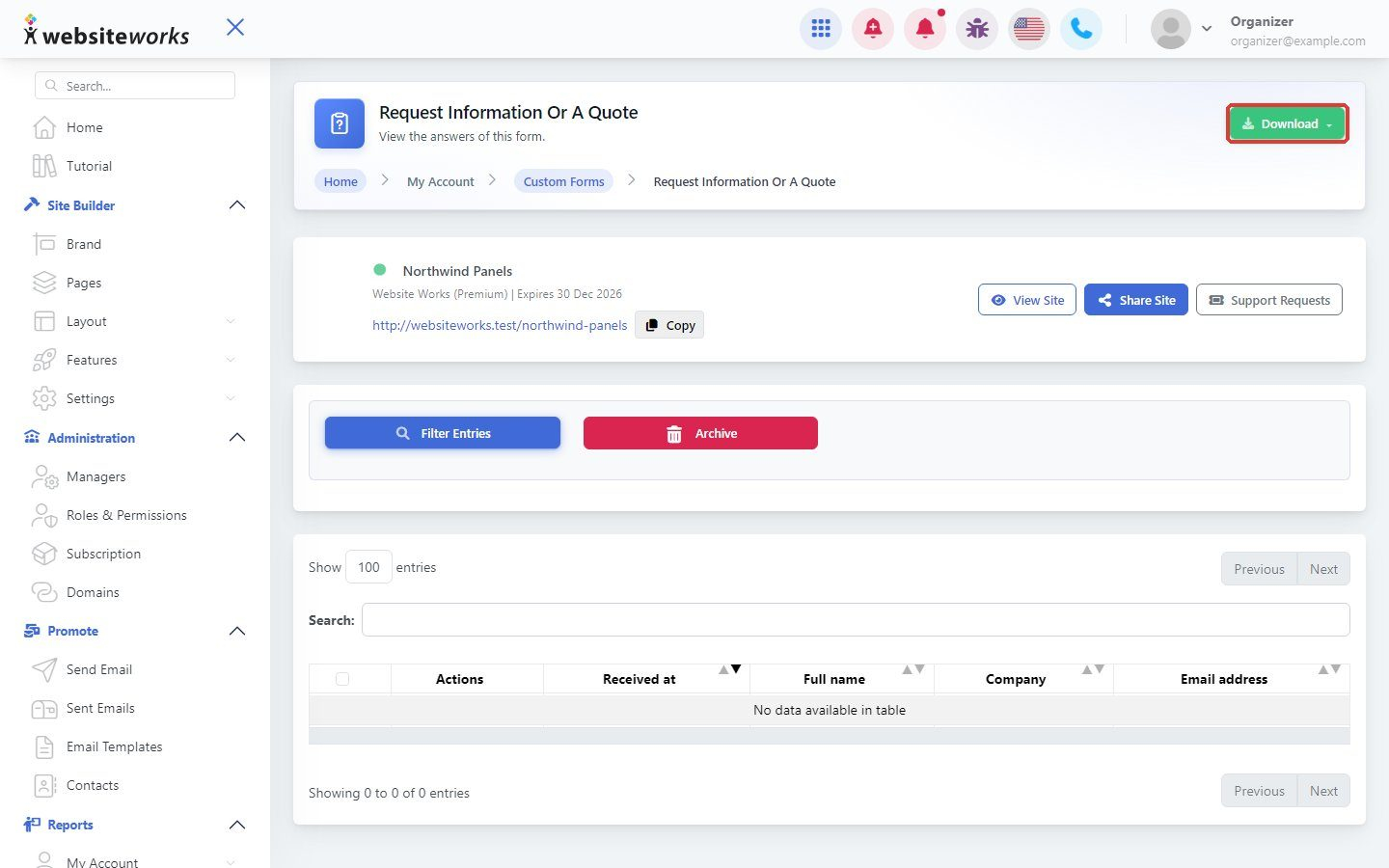
Each row is one entry, with the answers to your questions.
Step 4: Download the entries
Click Download to save the entries as a spreadsheet.
Step 5: Filter or archive
Click Filter Entries to find specific entries, or Archive to put old ones aside.