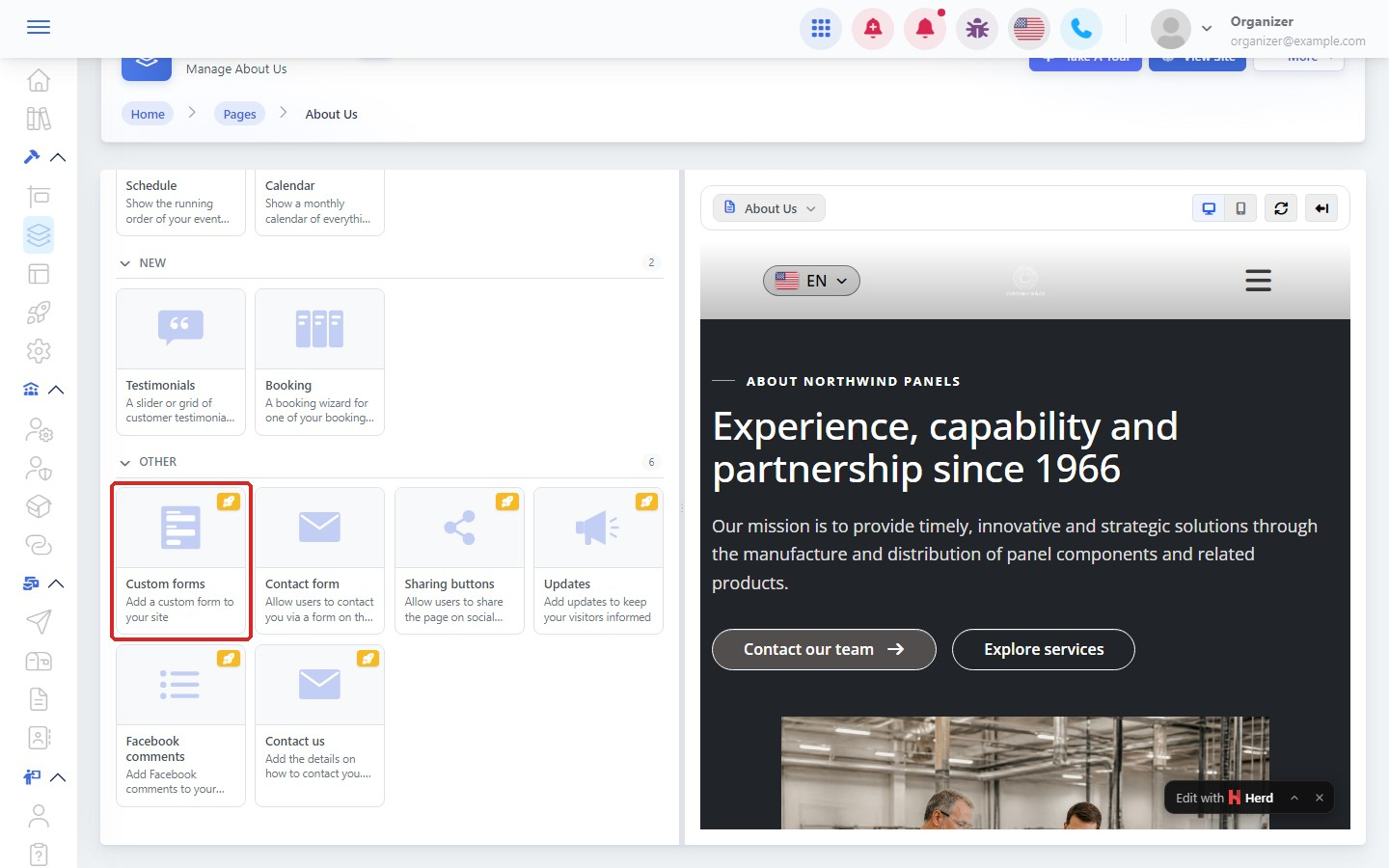

A contact form lets visitors send you a message or a request from your website.
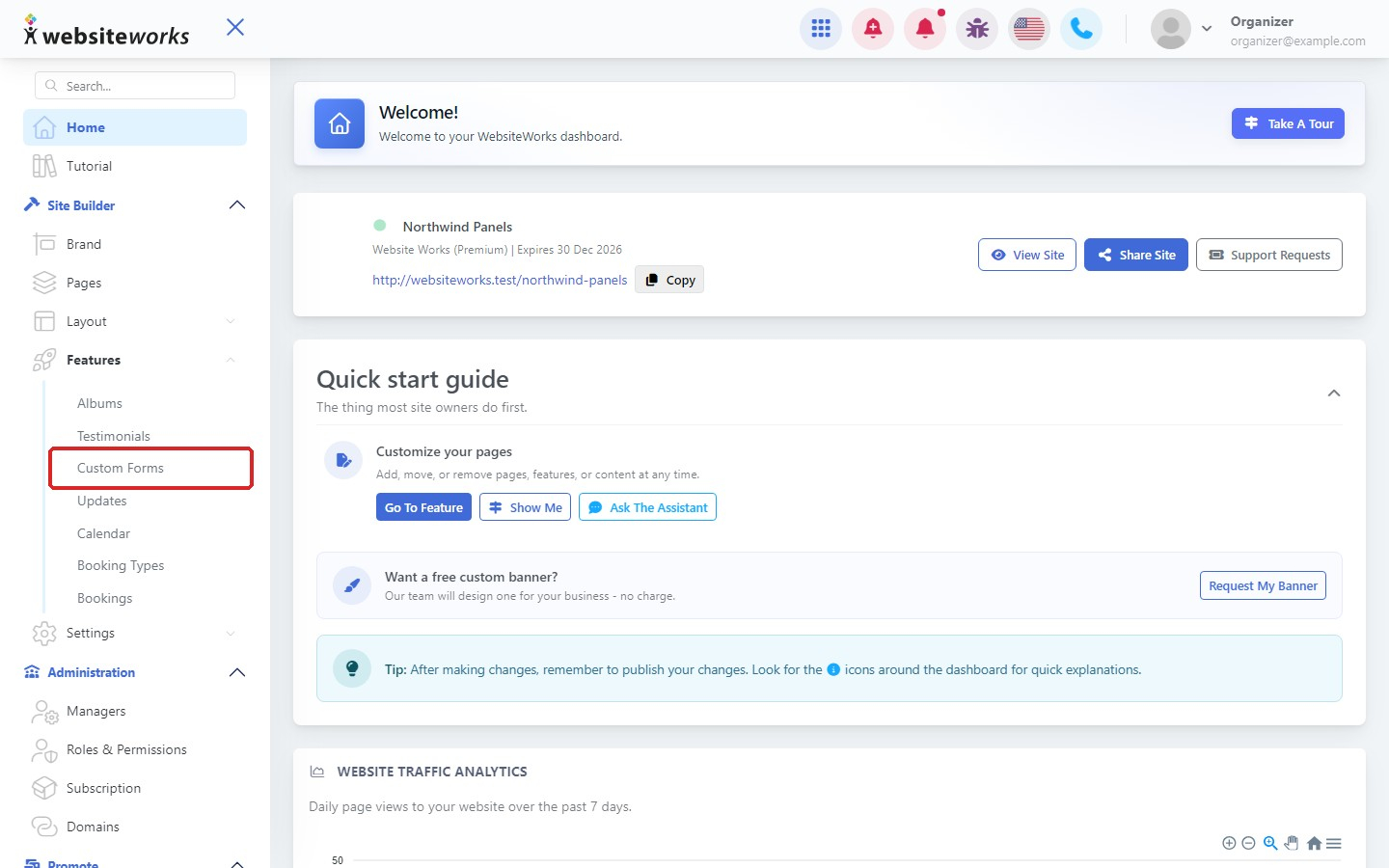
Step 1: Open Custom Forms
In the menu, under Features, click Custom Forms.
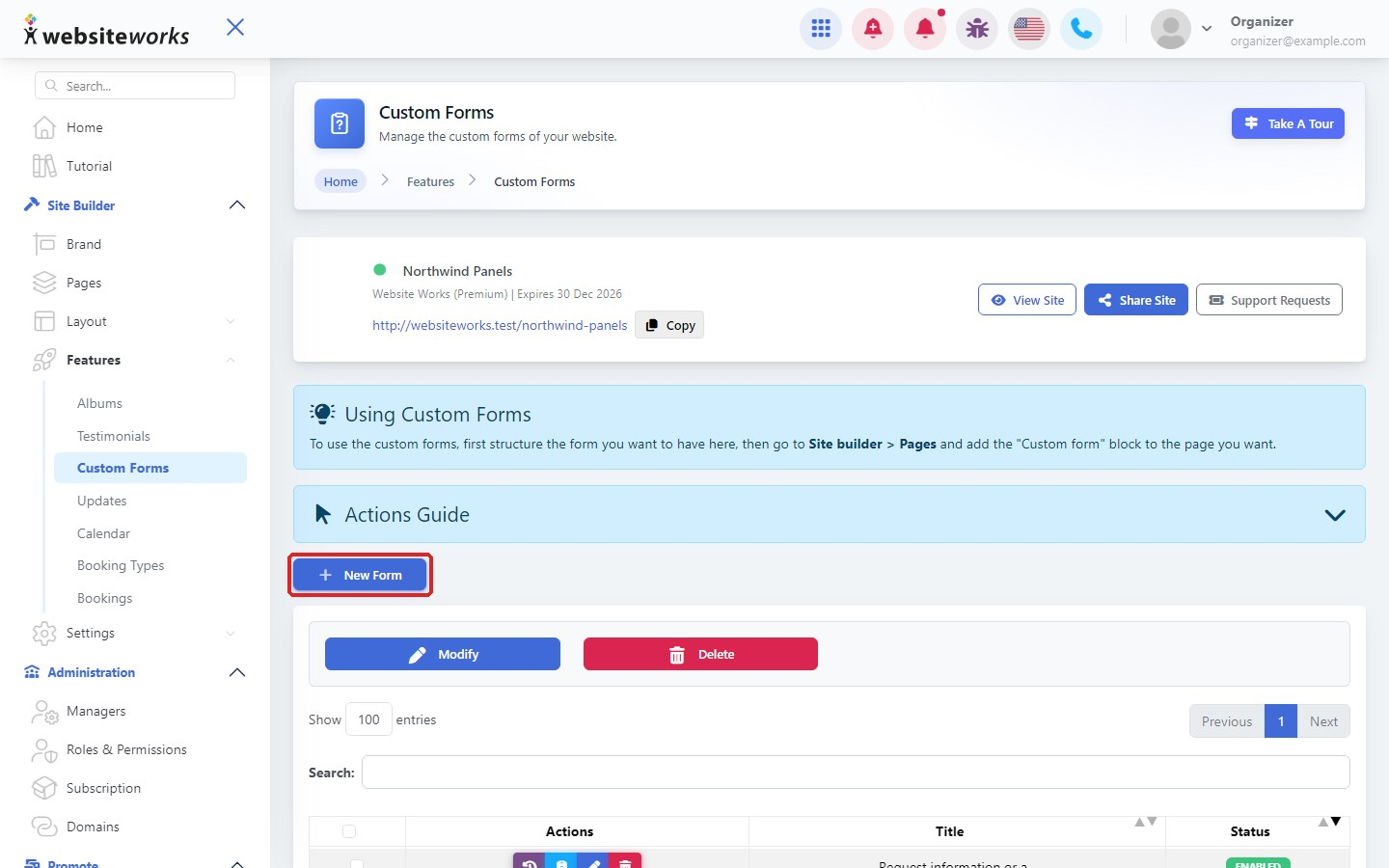
Step 2: Click New Form
Click New Form.
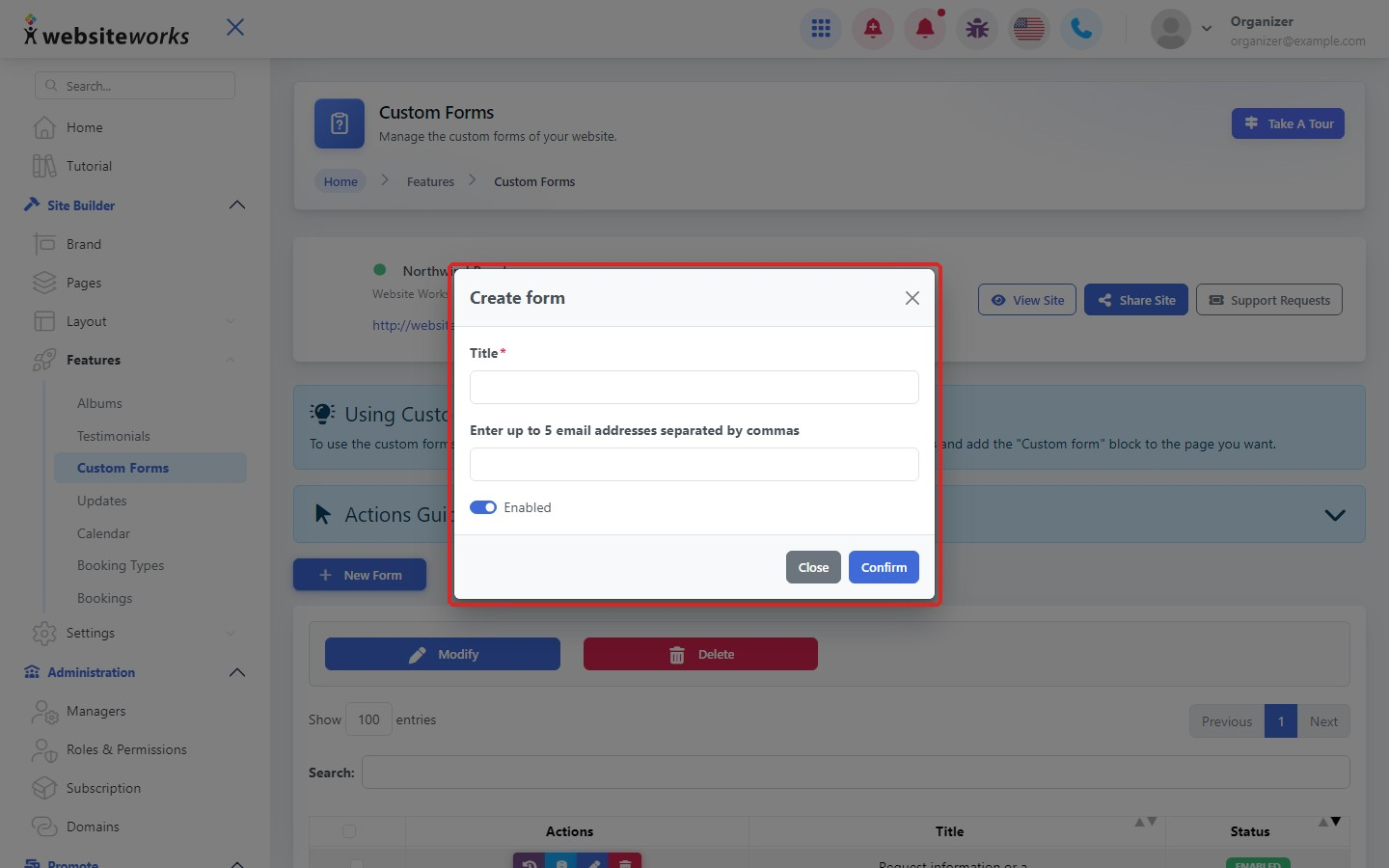
Step 3: Name it and choose who is notified
In Create form, enter a Title. Enter up to 5 email addresses, separated by commas, to be notified of each new entry. Leave Enabled on and click Confirm.
Step 4: Add questions
Click the questions button next to your form to add the fields visitors fill in, such as name, email and message. See Adding and editing questions in a custom form.
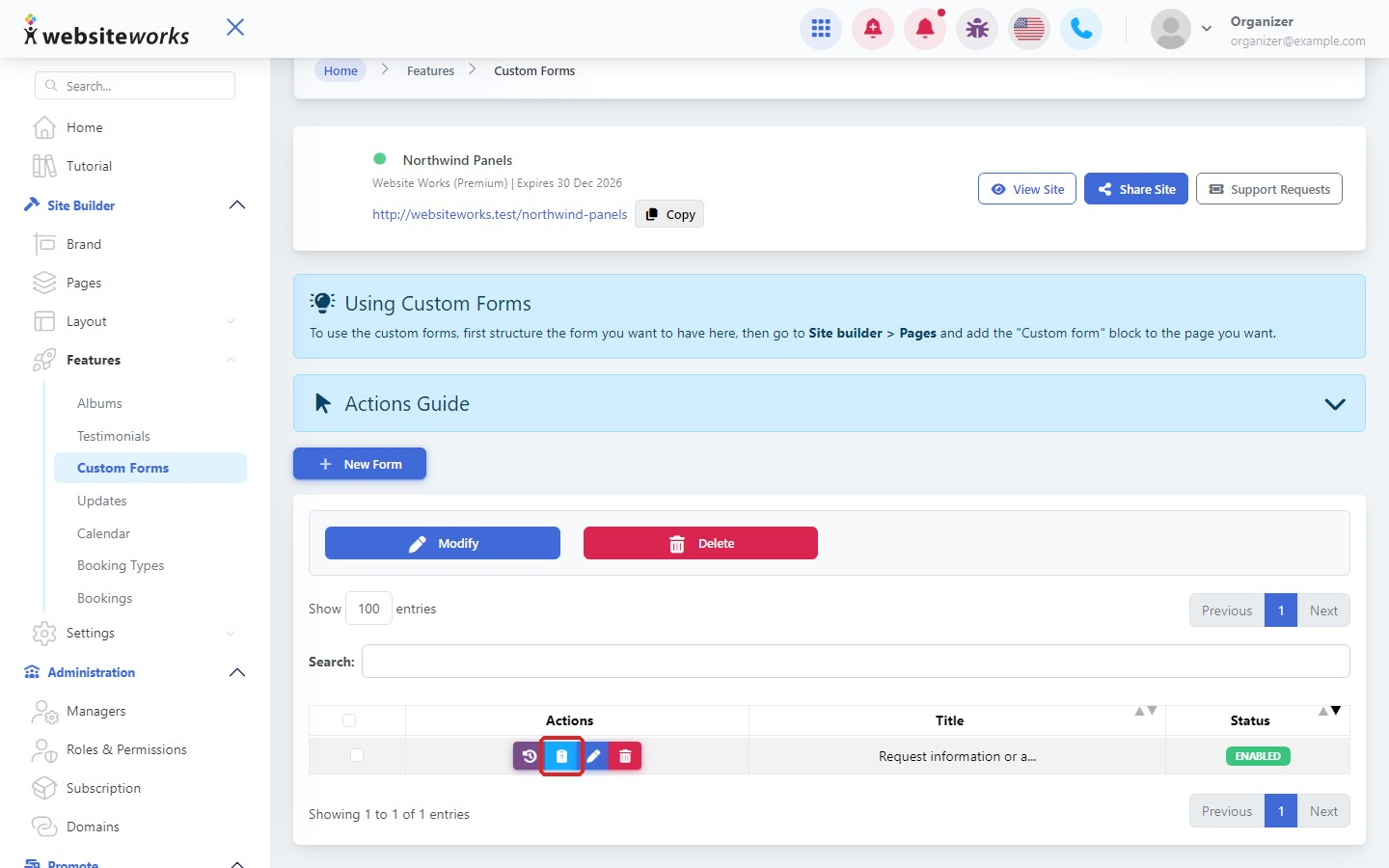
Step 5: Put the form on a page
Open a page with New Editor, choose Manual Forms, click Add Block and add the custom form block from the Features tab. Choose your form and click Publish Changes.