

Connected your own domain, like www.yourbusiness.com, but it doesn't open your website yet? This is usually because the domain's settings are still updating. Here's how to check.
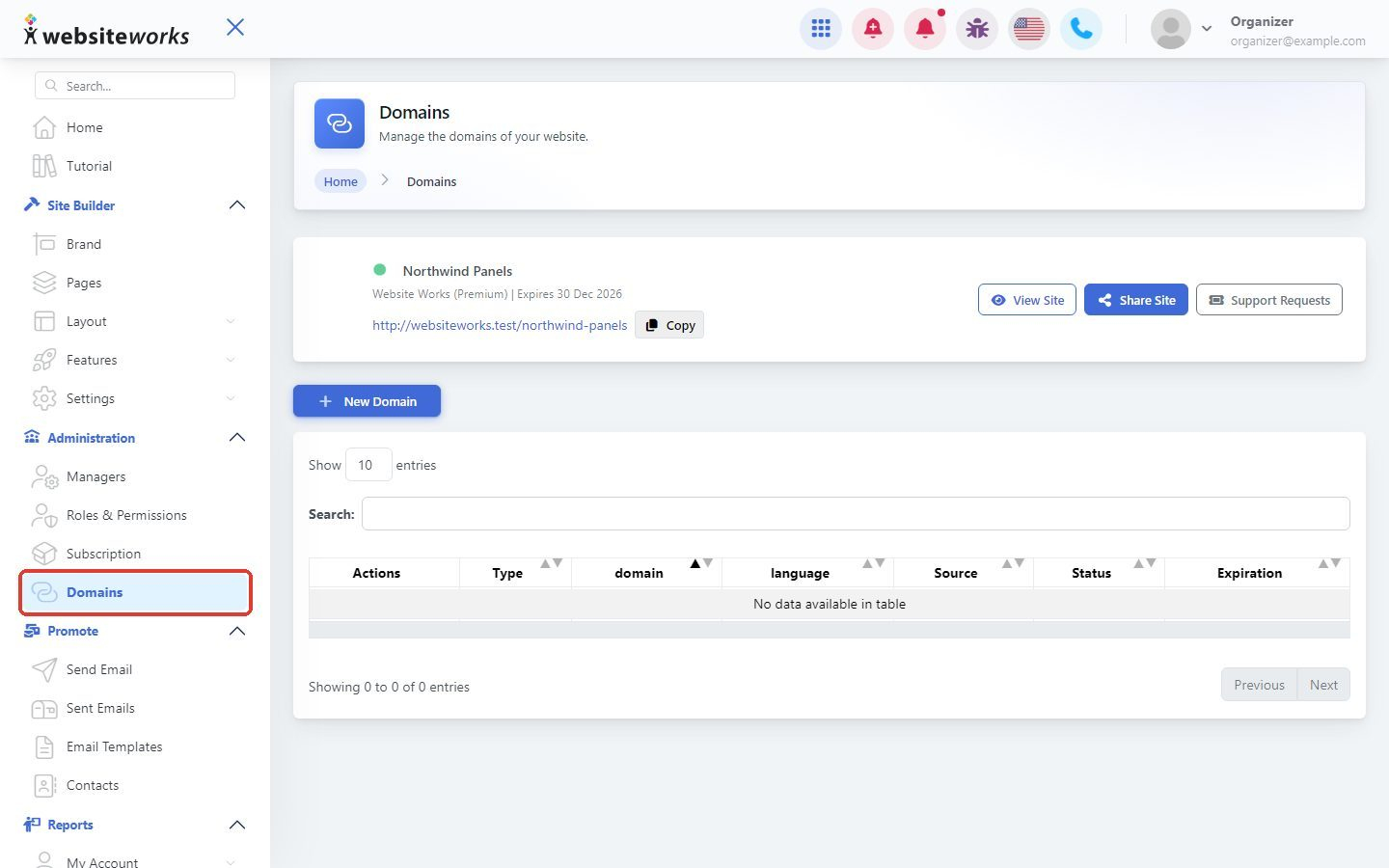
Step 1: Open Domains
In the menu, under Administration, click Domains.
Step 2: Check your domain in the list
Find your domain in the list. Check that its Status is Enabled and its Expiration date hasn't passed. The Type column shows Default for your main domain, Redirect for a domain that sends visitors to your main domain, and Inactive for a domain that isn't in use.
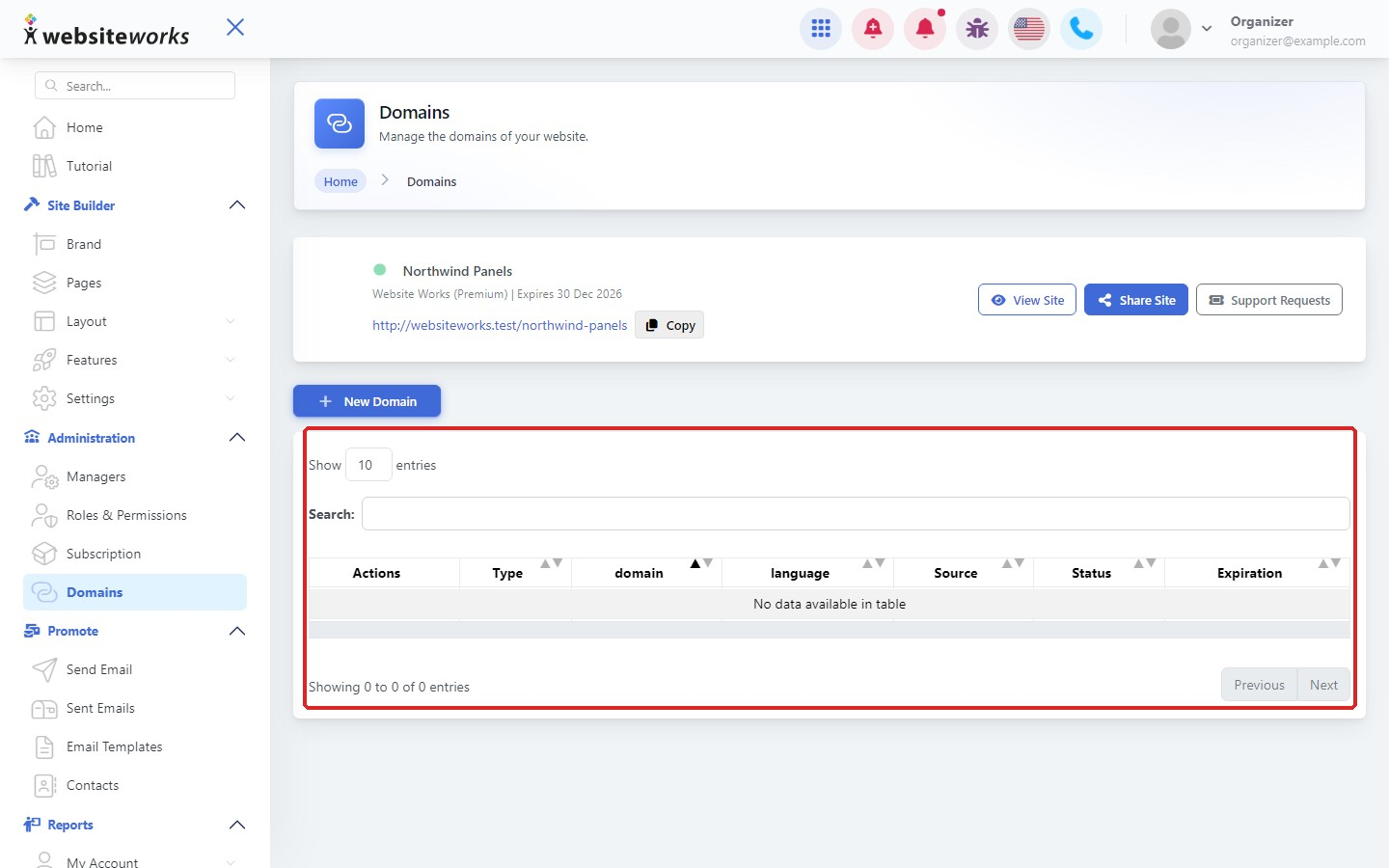
If your domain has expired, click Renew next to it.
Step 3: Look at the domain status
Click the Status button (the signal icon) next to your domain. The Status of window shows each check with a green or red result:
- Registrar Name Servers: whether the name servers at your domain registrar point to us.
- Added to DNS: whether your domain was added on our side.
- Name Server Verified: whether we can see your name server change yet.
- SSL Generated and SSL Certificate Active: whether the security certificate (the padlock in the browser) is ready.
- Domain Reachable: whether your domain opens your website.
- Last Status Check: when the checks last ran.
Step 4: Point your domain to us
If you see The name servers at the registrar are not correct, log in to the company where you bought your domain (your registrar) and change the name servers to the ones shown when you add a domain:
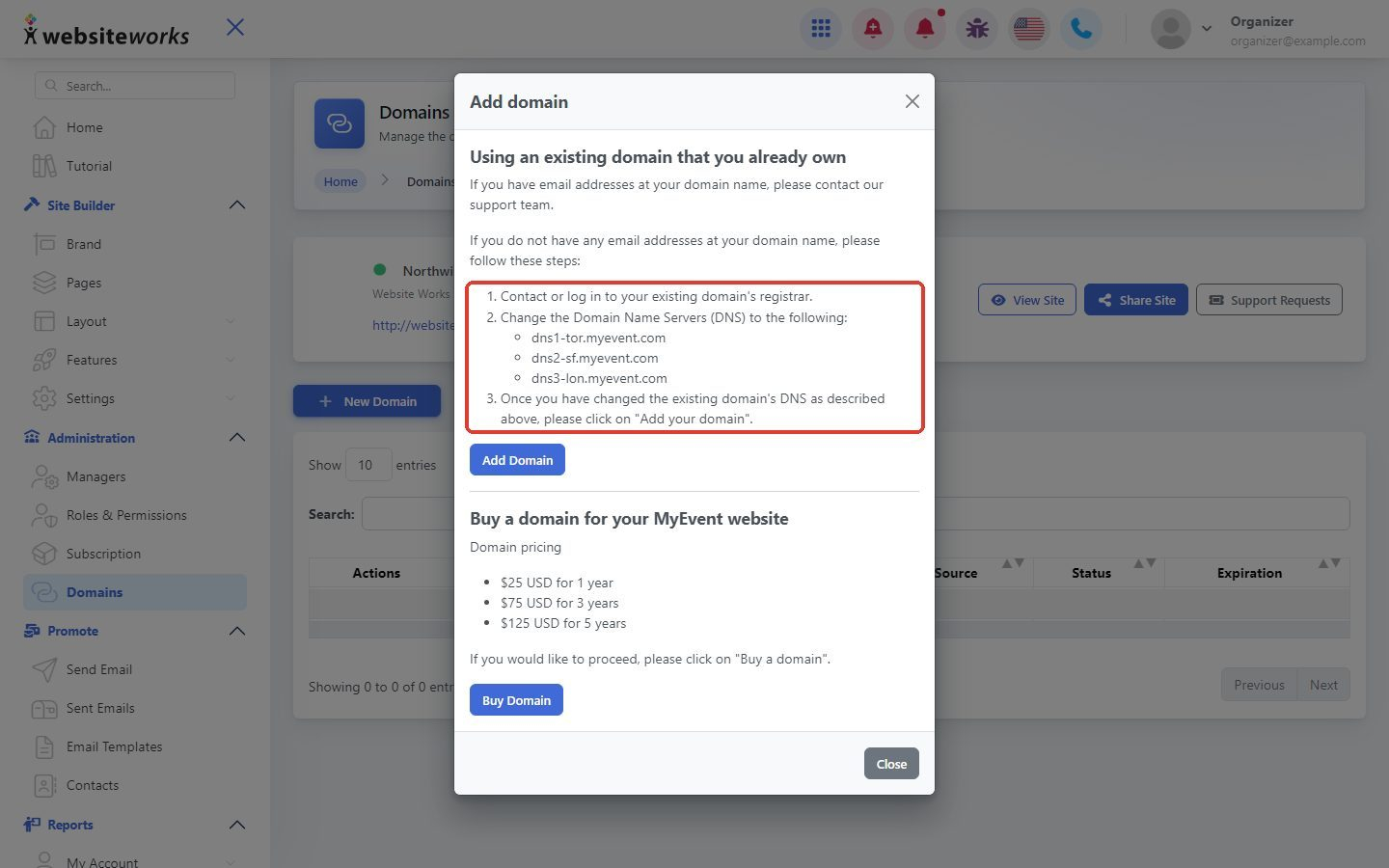
- dns1-tor.myevent.com
- dns2-sf.myevent.com
- dns3-lon.myevent.com
Important: If you have email addresses at your domain, contact our support team before you change your name servers, so your email keeps working.
Step 5: Give it time
After you change your name servers, it can take up to 48 hours for the change to reach everyone on the internet. The security certificate is created after that, so your website may show a security warning for a short while. Check the status again later.
Still not working after 48 hours? Contact our support team with your domain name and we'll take a look.