


Help Center
Pasting or Embedding Code
You may want to paste some code to embed images, videos, music, javascript, etc. from other websites into your site.
Step 1:
In your control panel, go to the Text/Images section of the page where you would like the code to appear.
Step 2:
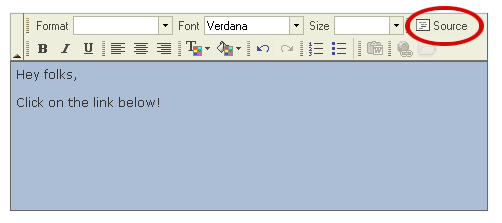
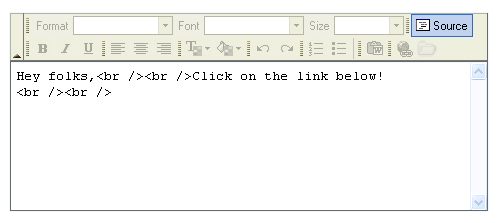
Click on the "Source" button to work in the source mode of the edit window and paste the code.
 Tel.: toll free 1 (877) 769-3836 or (514) 282-7747