
Your dashboard is where you manage everything about your website. Here is what you will find on the Home page and in the menu.
Step 1: Your website card
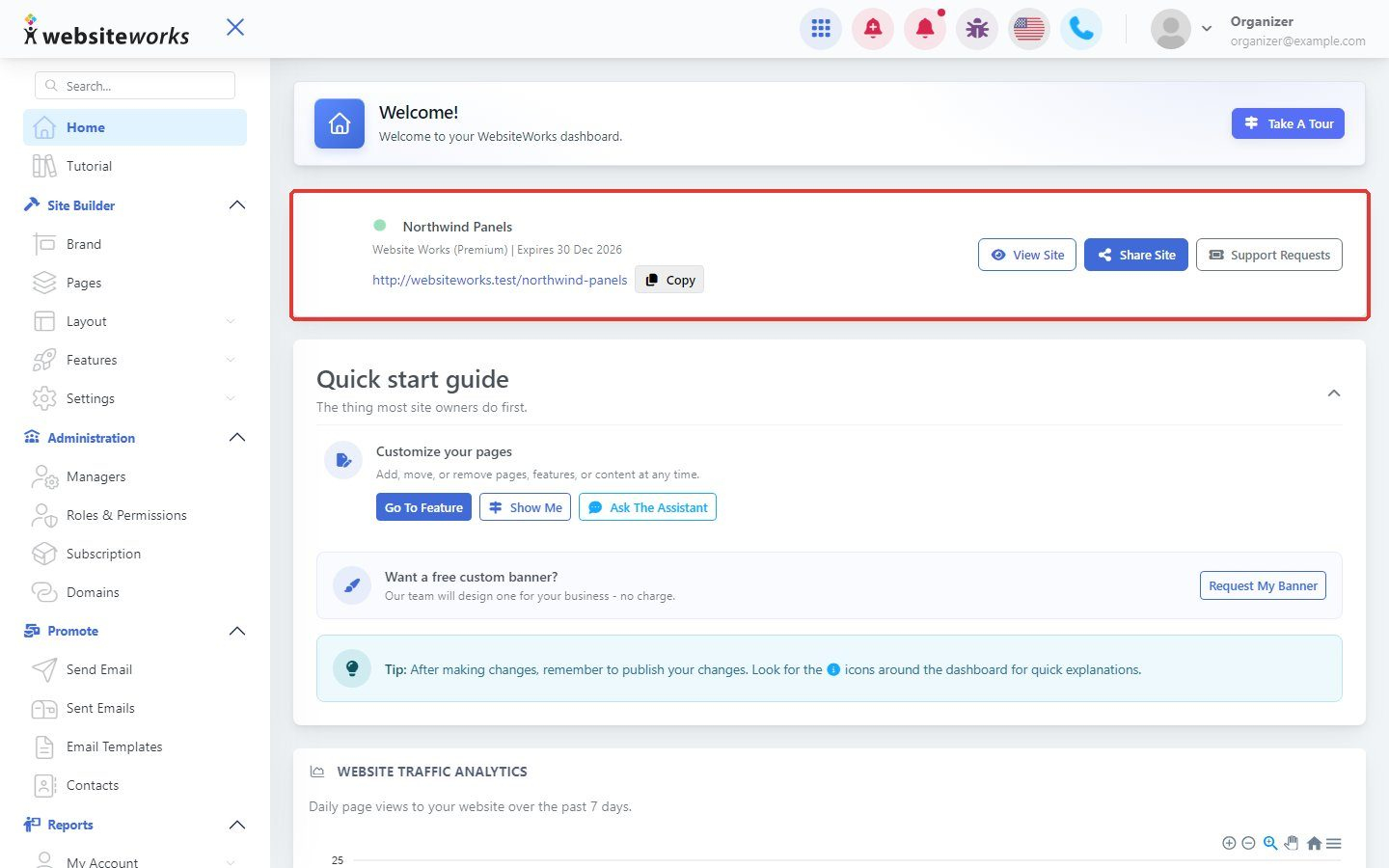
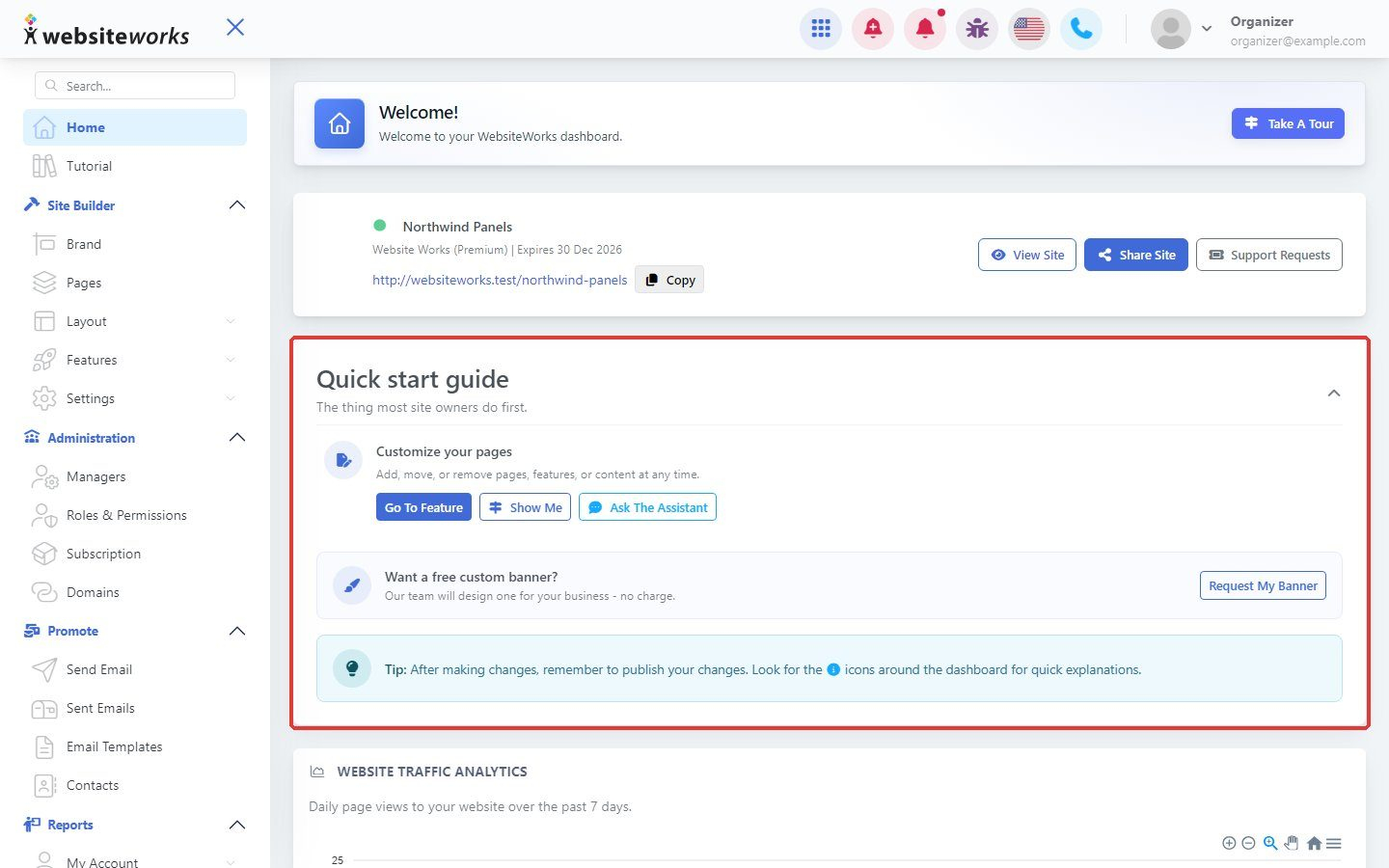
At the top of the Home page you see your website's name, plan and address. Click Copy to copy the address. Use View Site to open your website, Share Site to share it, and Support Requests to contact our team.
Step 2: The side menu
The menu on the left groups your tools:
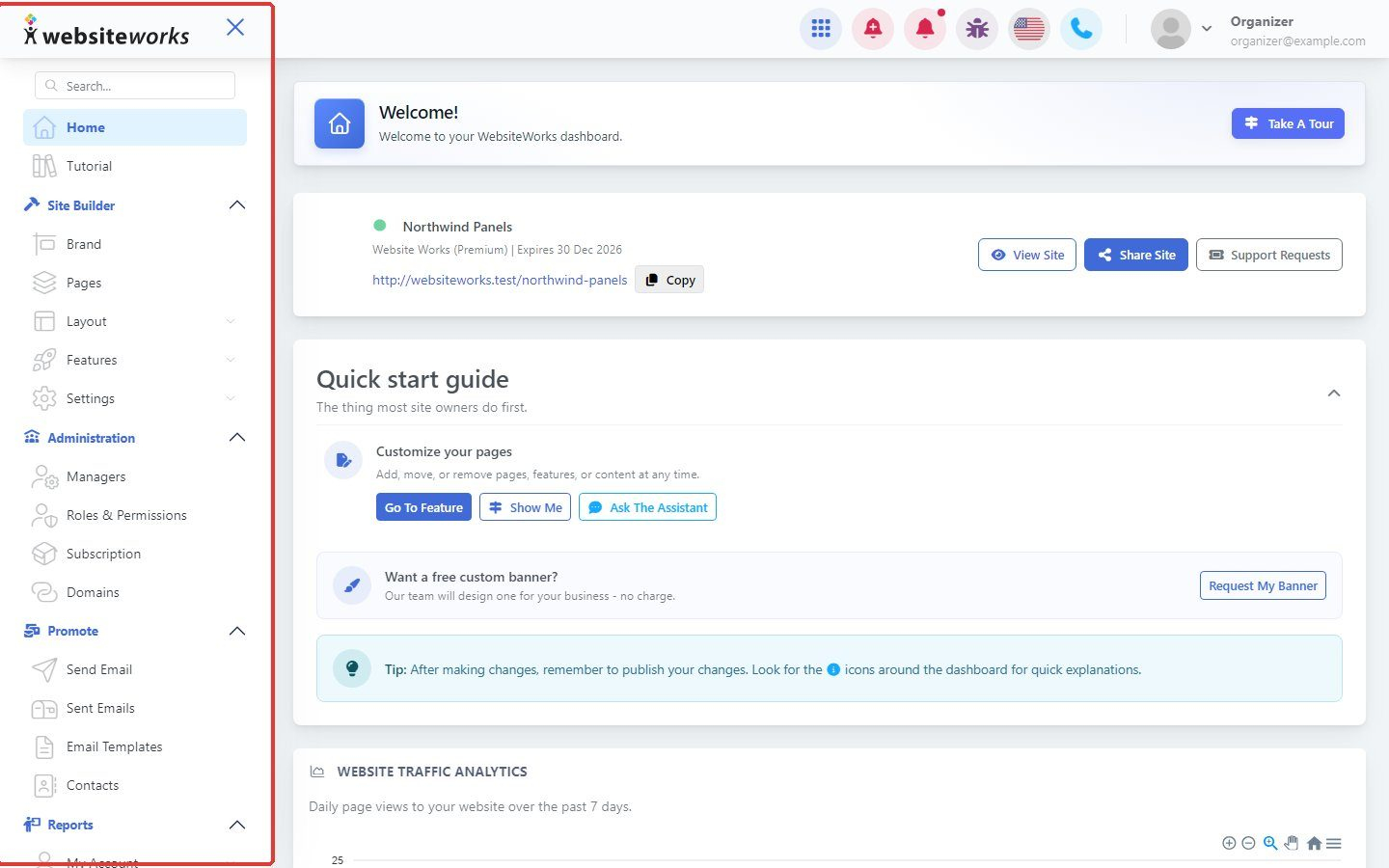
- Site Builder: Brand, Pages, Layout (Header & Menu, Banner, Footer), Features (Albums, Testimonials, Custom Forms, Updates) and Settings.
- Administration: Managers, Roles & Permissions, Subscription and Domains.
- Promote: Send Email, Sent Emails, Email Templates and Contacts.
- Reports: your reports, such as Custom Forms entries.
Step 3: The Quick start guide
The Quick start guide lists the first things to do on your website, with shortcut buttons to each one.
Step 4: Website traffic analytics
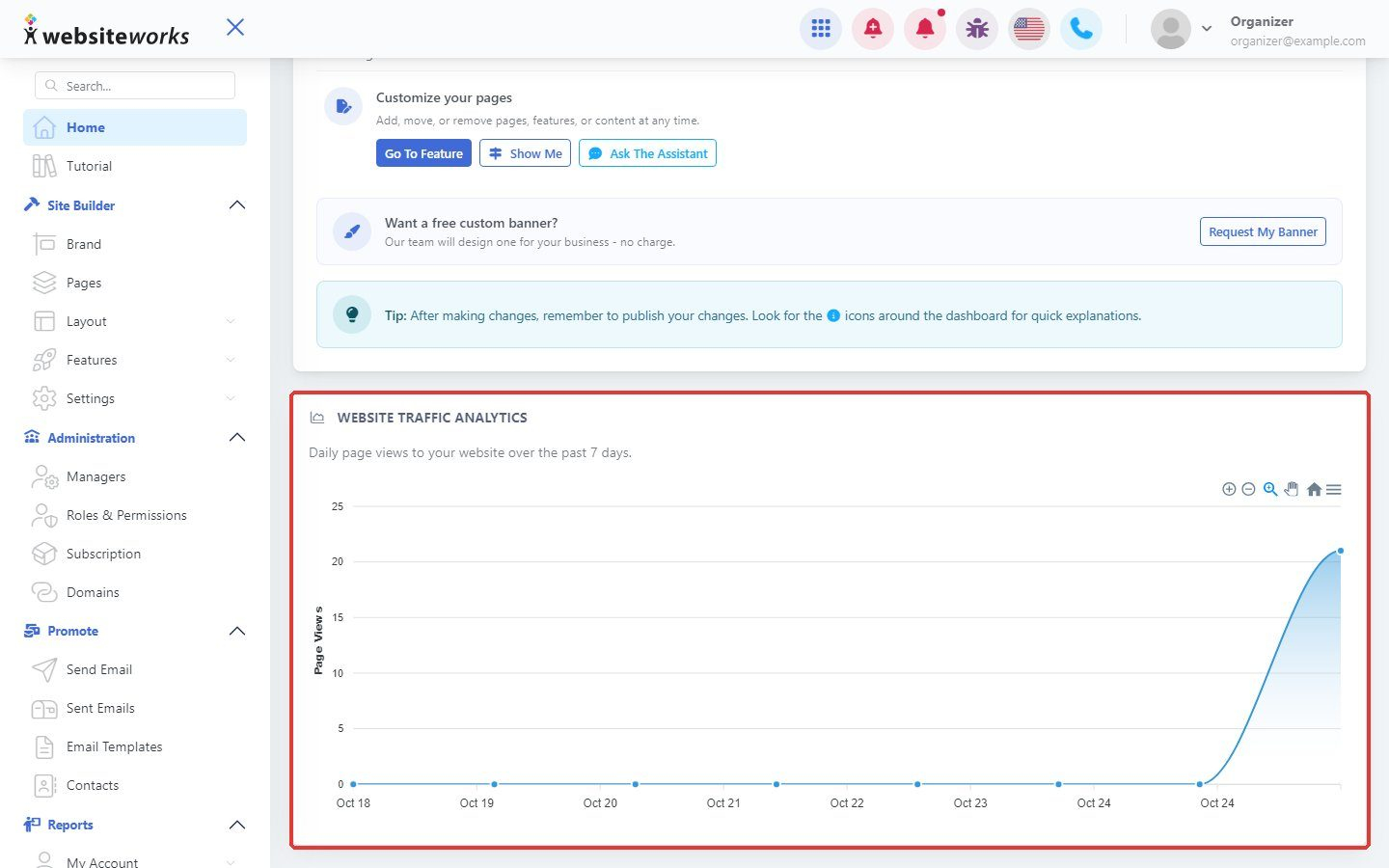
Scroll down to Website traffic analytics to see how many people visited your website in the past 7 days.
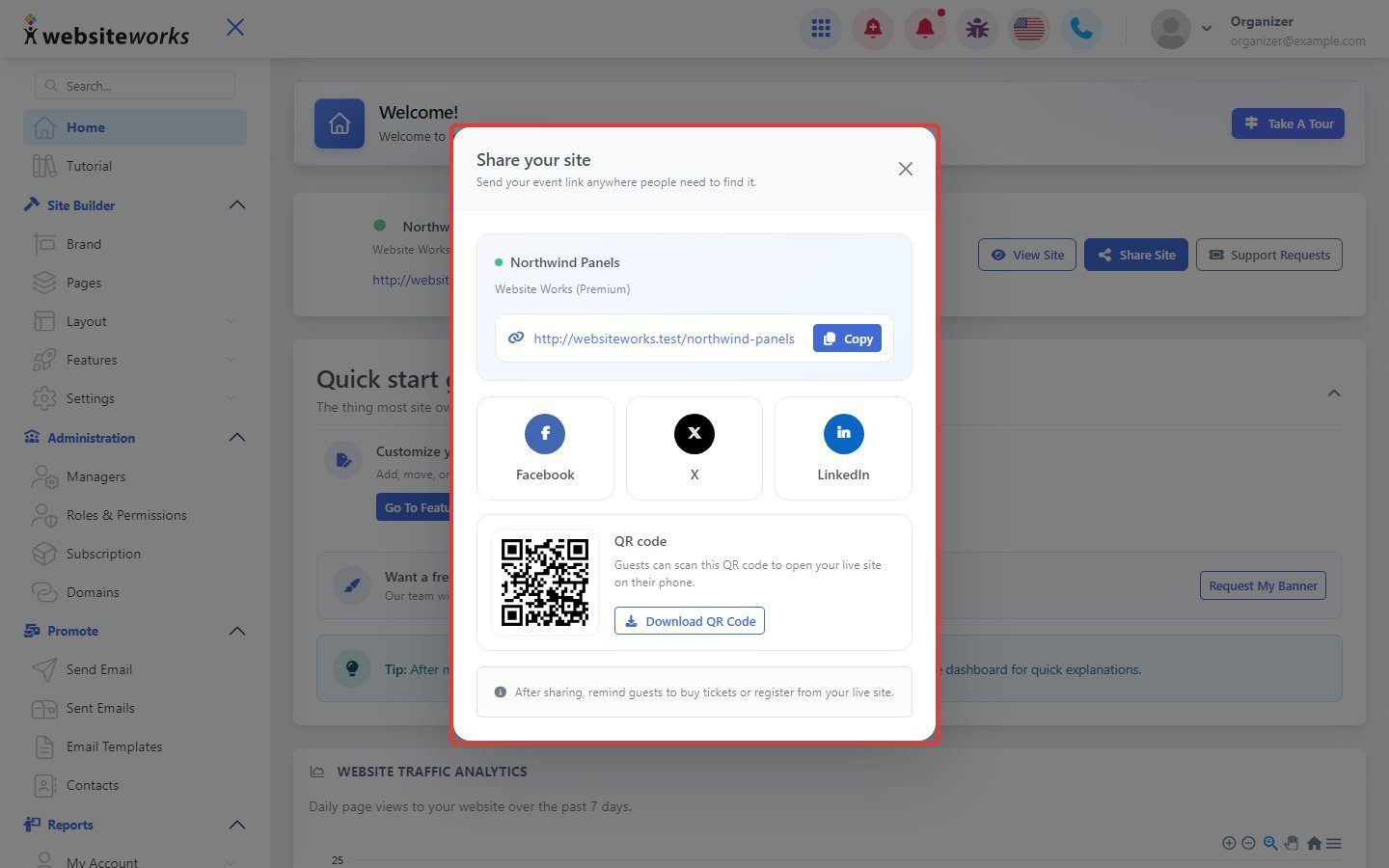
Step 5: Share your site
Click Share Site to open Share your site. Copy your website link, share it on Facebook, X or LinkedIn, or click Download QR Code to get a QR code people can scan with their phone.