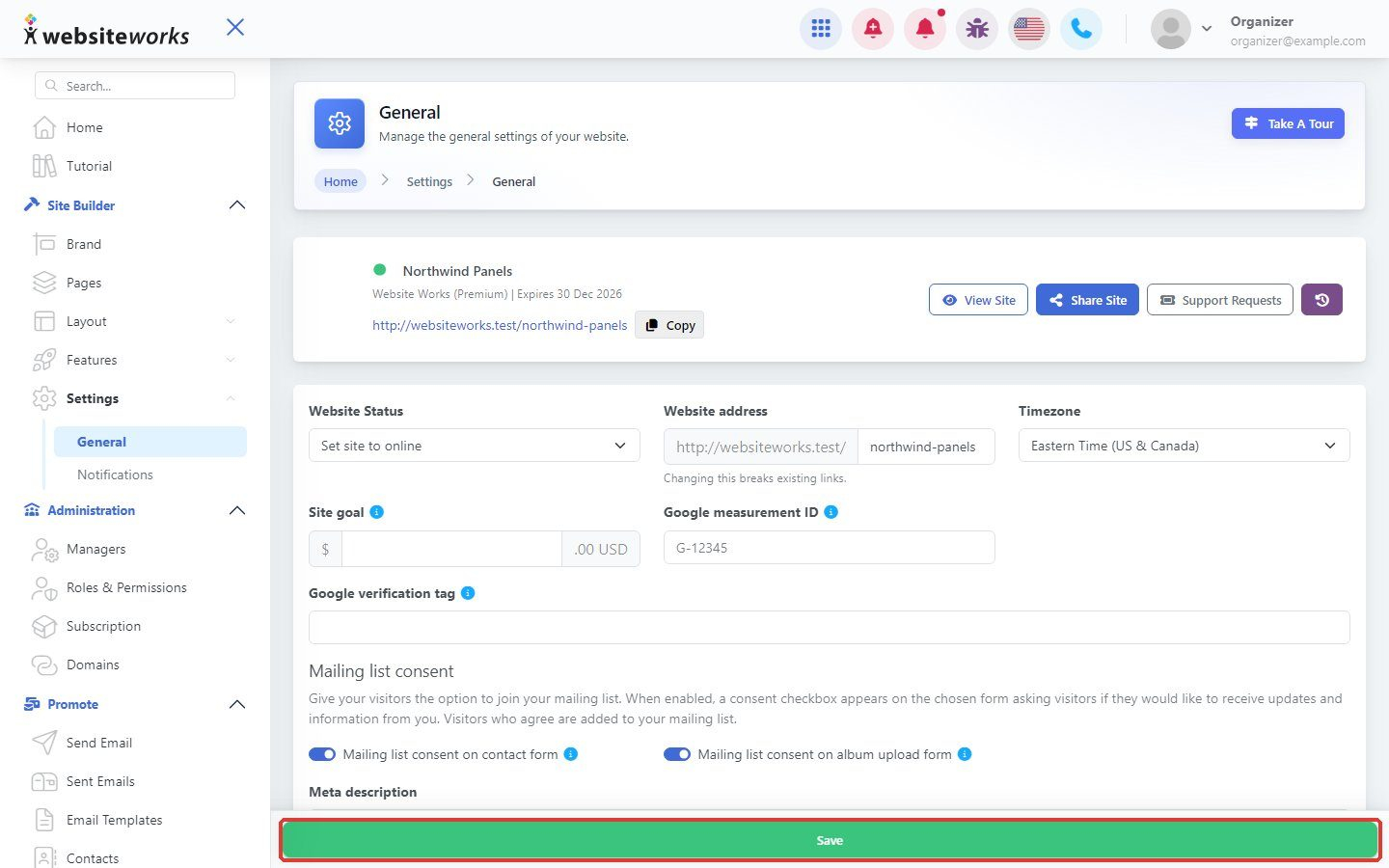

The General settings page holds the basic settings of your website.
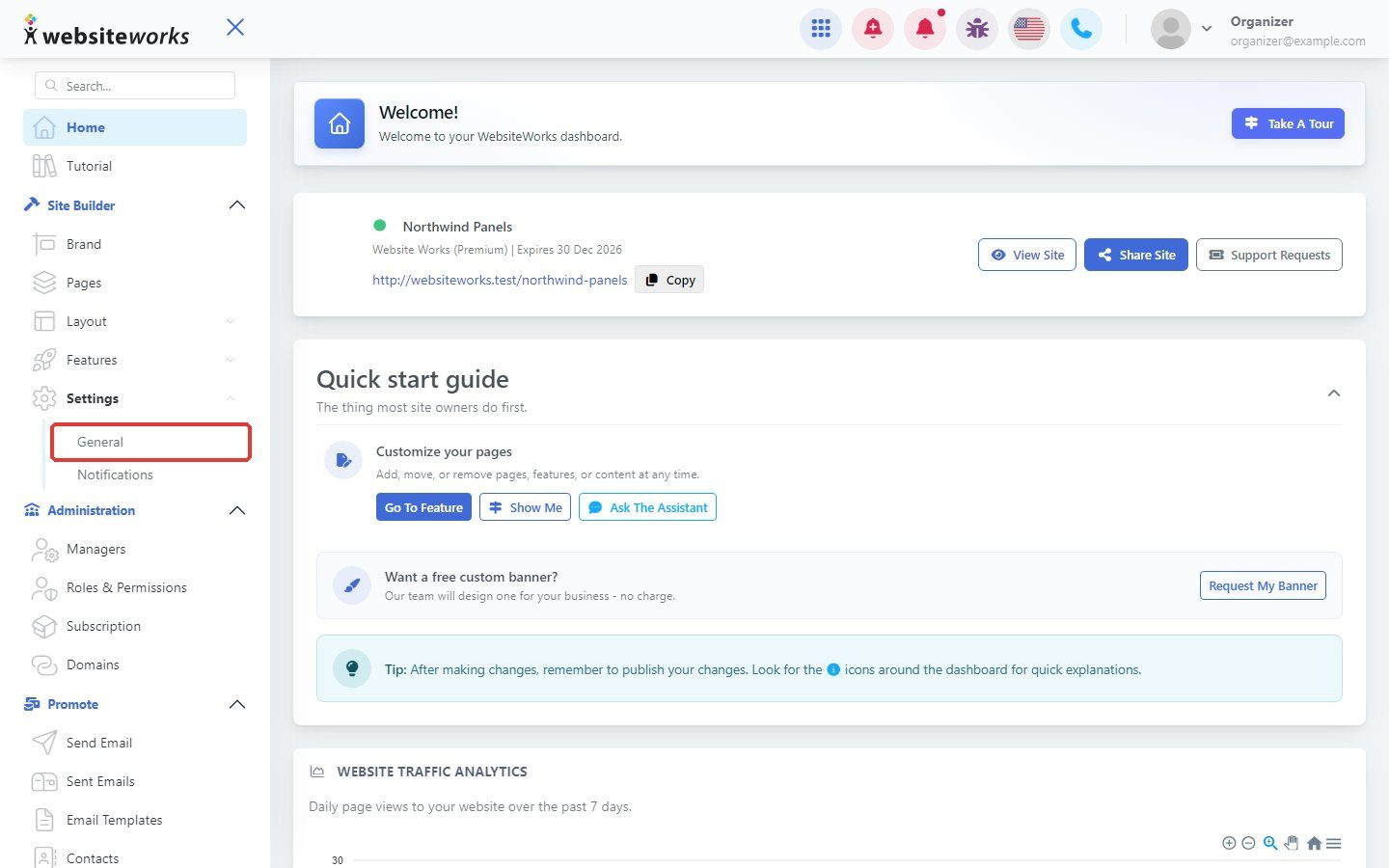
Step 1: Open General settings
In the menu, under Settings, click General.
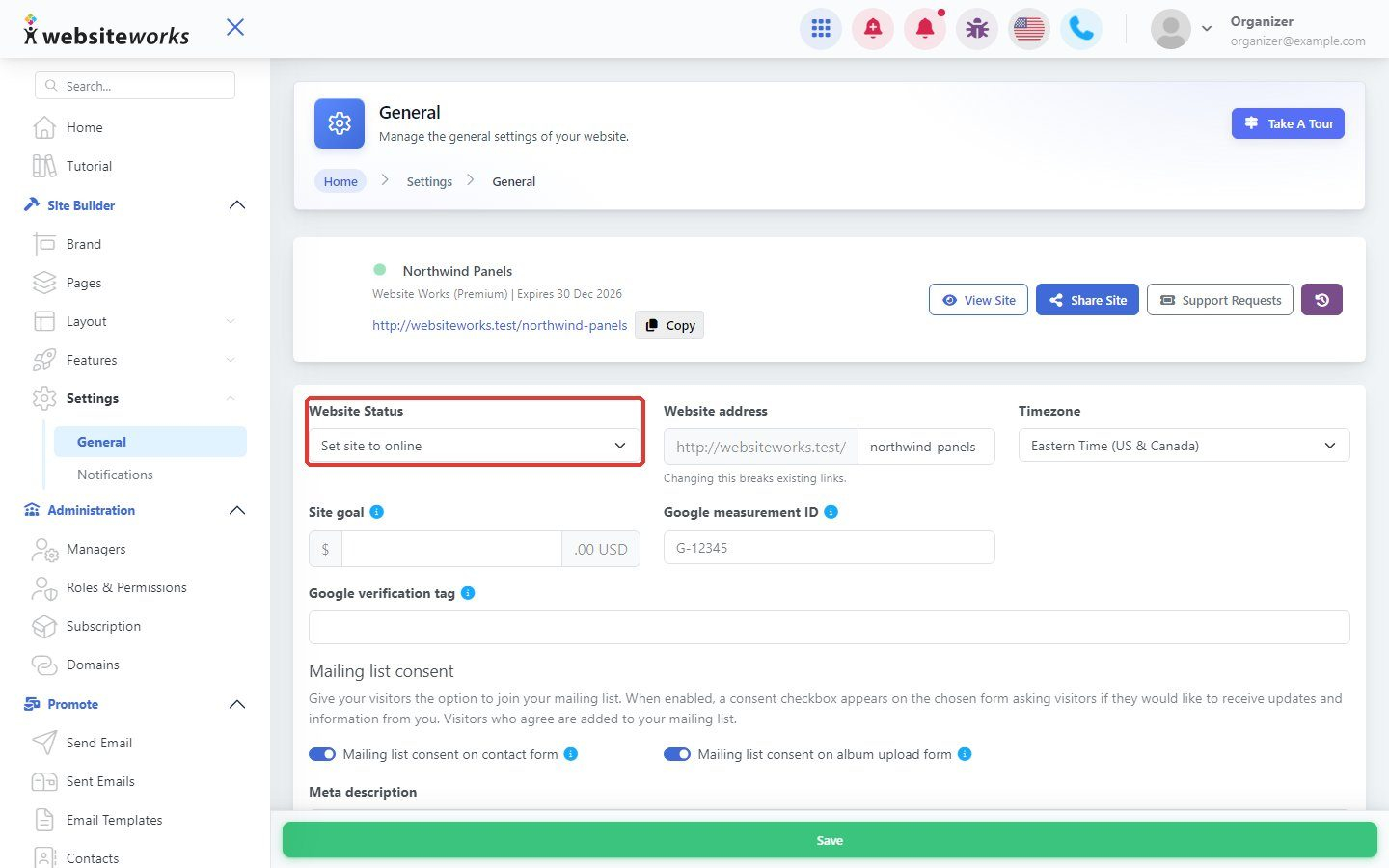
Step 2: Set the website status
Use Website Status to turn your website on or off for visitors.
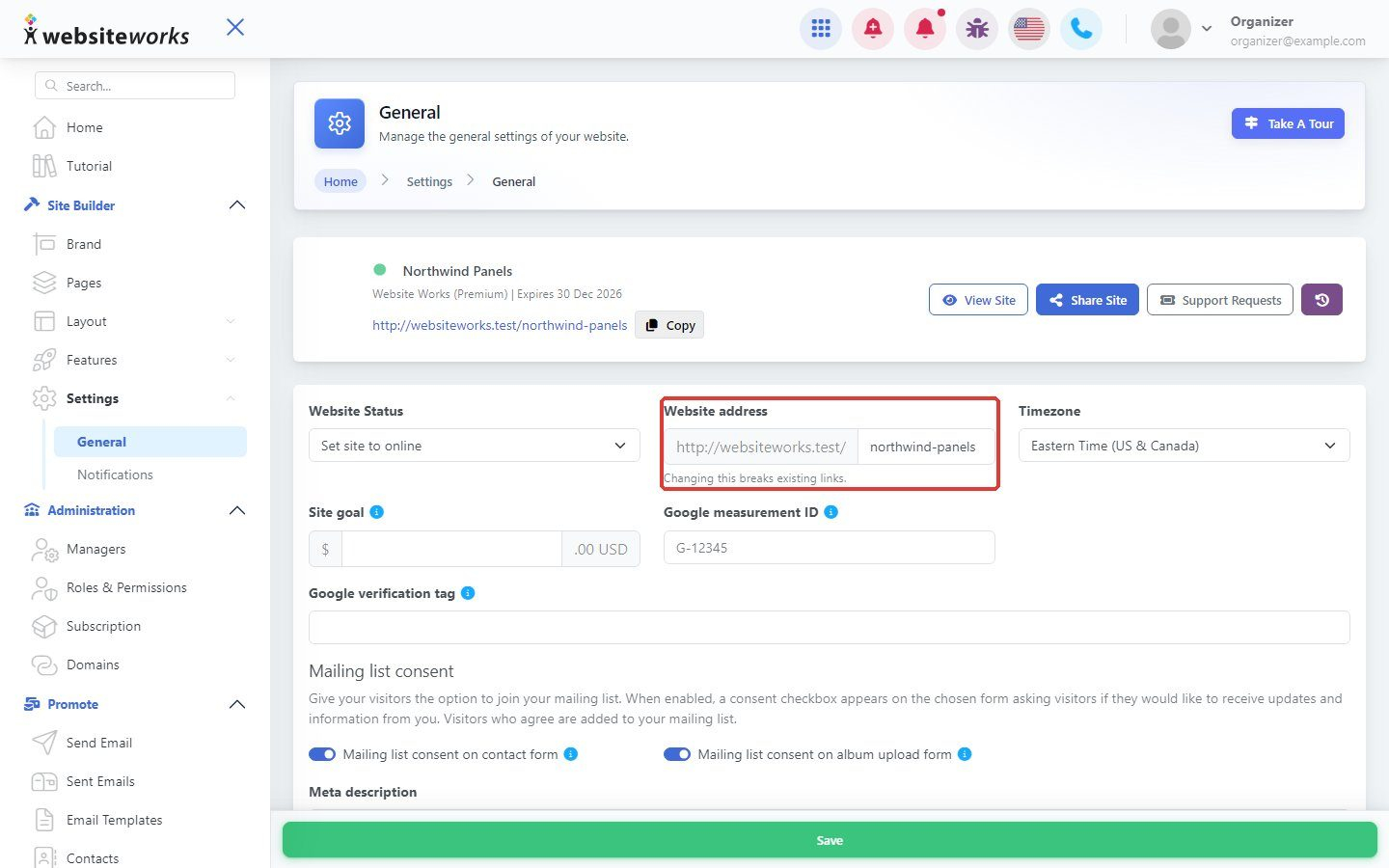
Step 3: Change the website address
Edit Website address to change the end of your website's address. Changing this breaks existing links, so update anywhere you shared the old one.
Step 4: Choose your timezone
Pick your Timezone so dates and times on your website are right.
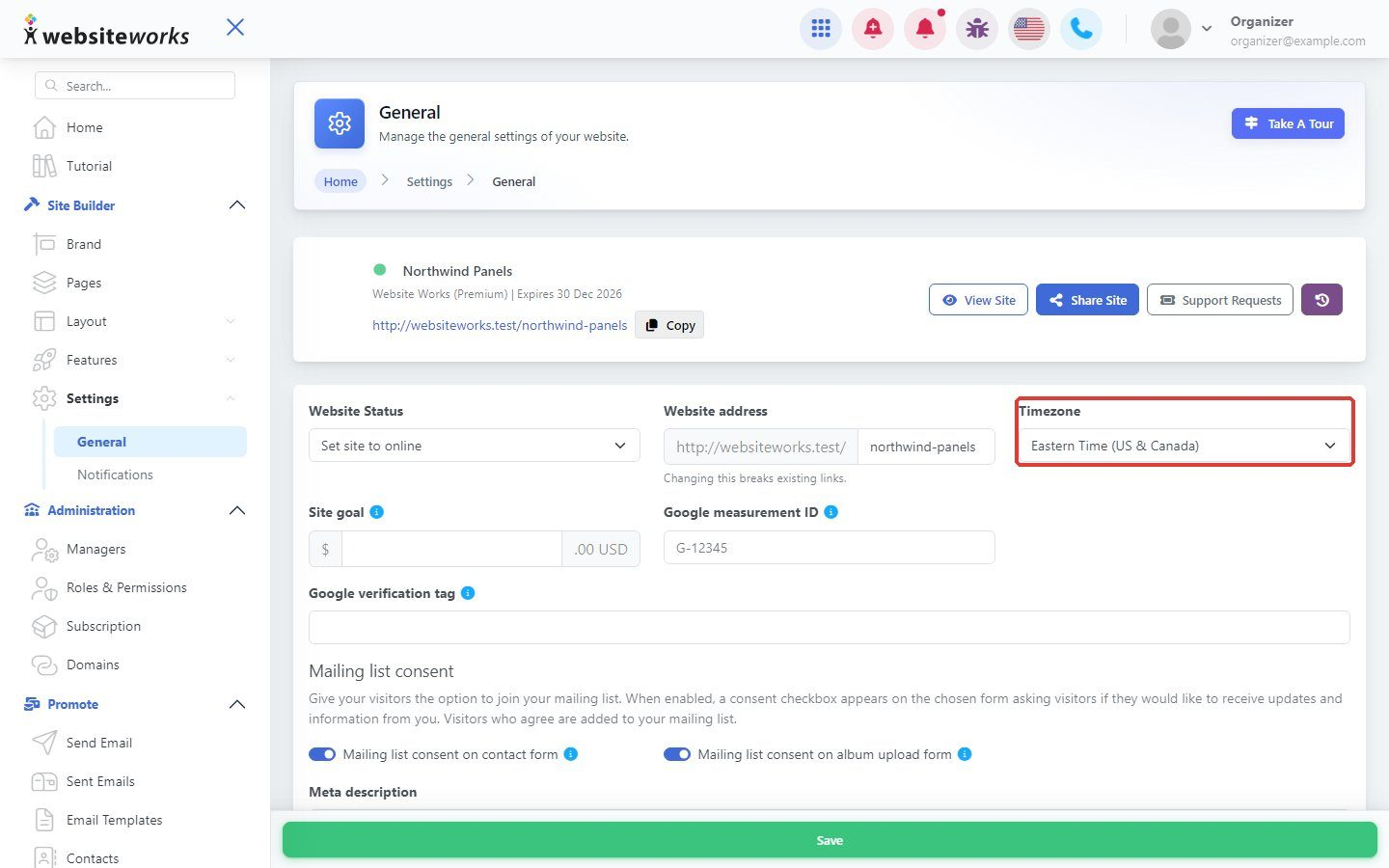
Step 5: Save
Click Save.